Skip to content
View in the app

A better way to browse. Learn more.

LCPDFR.com

A full-screen app on your home screen with push notifications, badges and more.

To install this app on iOS and iPadOS
  1. Tap the Share icon in Safari
  2. Scroll the menu and tap Add to Home Screen.
  3. Tap Add in the top-right corner.
To install this app on Android
  1. Tap the 3-dot menu (⋮) in the top-right corner of the browser.
  2. Tap Add to Home screen or Install app.
  3. Confirm by tapping Install.

CpT.Vicvix

Members
  • Joined

  • Last visited

About Me

Hello fellow Officers , i am proud and glad to be part of this great comunity that is behind this amazing project. The title says about me so ... Here goes: I am a almost old dude from Romania (Dracula's neck of the woods so to speak) , I am pasionate and have a great respect and apreciation about law enforcement and video games (so this hits the spot).Been playing video games (all kinds) for 30 some years and loved every minute of it. Until i found LSPDFR i tried many games that wanted to be a police simulator but not one even compares to this (not by a long shot , for me LSPDFR was (and still is mind blowing). So in the and a big thank you from the bottom of my little iced heart to each and every one involved superb endeavor , nothing but love and respect.Have a great one wherever you are!
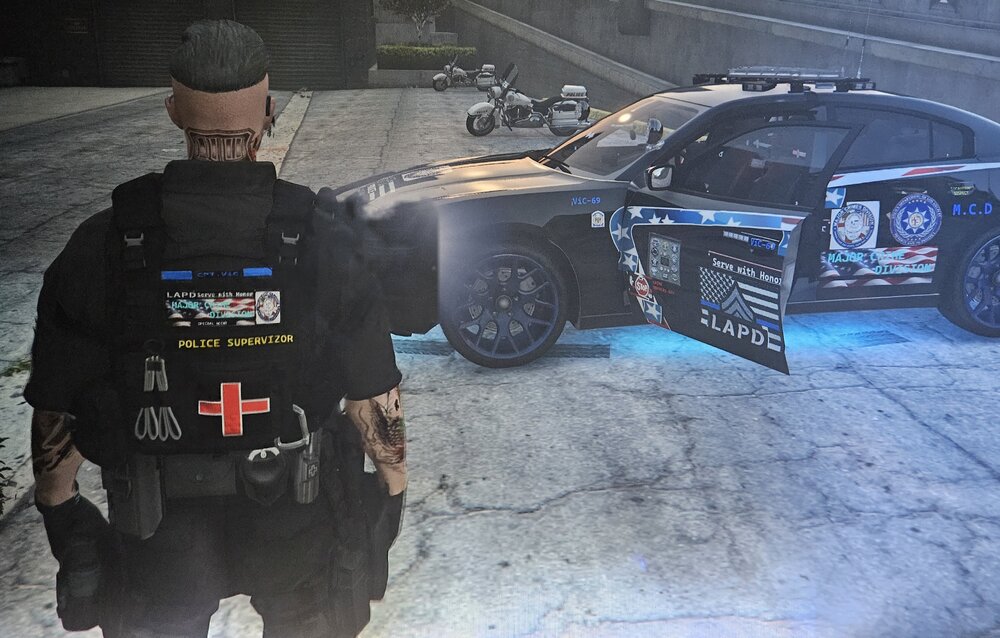
Could contain: tire, clothing, wheel, vehicle, person, ground, auto part, land vehicle, man, car, automotive tire

Account

Navigation

Search

Search

Configure browser push notifications

Chrome (Android)
  1. Tap the lock icon next to the address bar.
  2. Tap Permissions → Notifications.
  3. Adjust your preference.
Chrome (Desktop)
  1. Click the padlock icon in the address bar.
  2. Select Site settings.
  3. Find Notifications and adjust your preference.