


JamesShadowX
Members
-
Joined
-
Last visited
Everything posted by JamesShadowX
-
 I love the pack but could use little help as I use it fiveM wise and installed everything right only issue I am having is the slick/unmarked cvpi and MX7000 cvpi MX7000 is able to run it's primary lighting but not the interior rear ones and the other one none of the TA lighting works got a fix for it?
 -
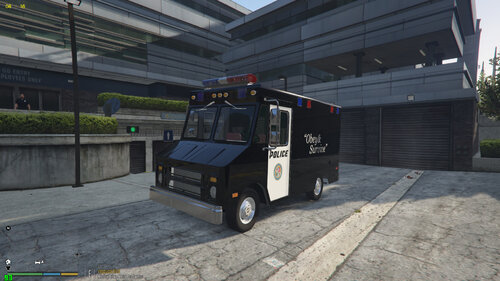 I managed to make this van useable on FiveM all lights work except the sides strobed ones on the edges of the van their only toggable through extra's how can I get them to flash?
- 8 comments
- 3 reviews
