Roedigar
Members
-
Joined
-
Last visited
Everything posted by Roedigar
-
alright so i just deleted all my installs and reinstalled the whole game and it works fine now. don't know what wrong was with the other installations but it works \*_*/
-
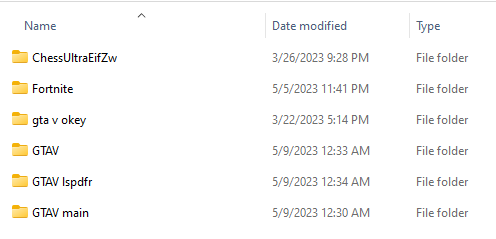
This are the games i have.. The GTA V file is with mods and works fine, The GTA V main is the main folder works also fine, The GTA V okey is a broken one deleting that right now. The GTA V LSPDFR is lspdfr one and it doesn't work.
-
I did it for all three installations (Main, mods, lspdfr). but it still shows me the same error.
-
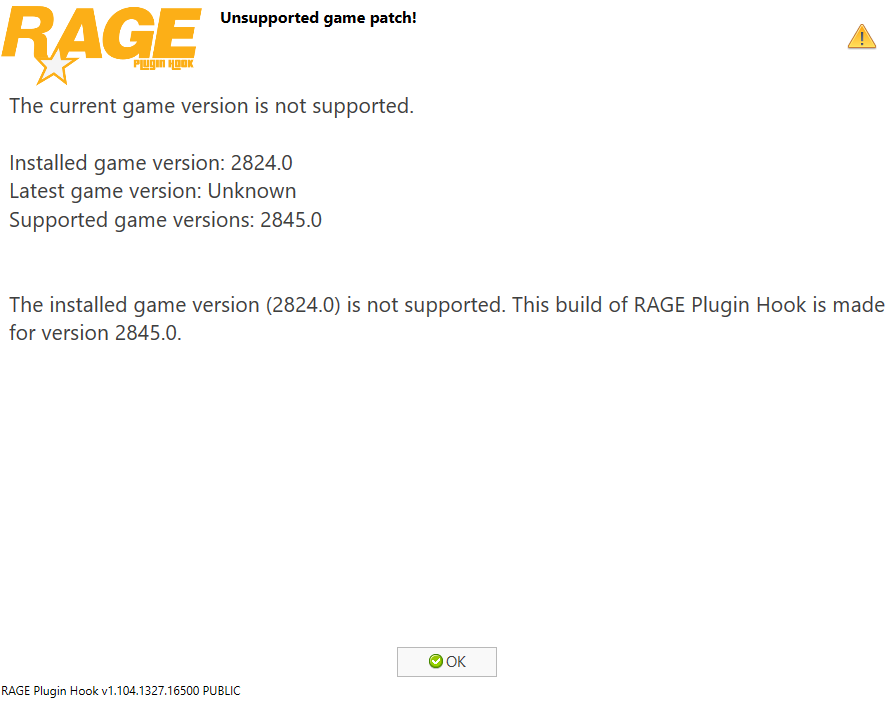
So I'm scratching my head again because now when I start up rage plugin hook it says: " The current game version is not supported. Installed game version: 2824.0 Latest game version: Unknown Supported game versions: 2845.0 The installed game version (2824.0) is not supported. This build of RAGE Plugin Hook is made for version 2845.0." I've installed lspdfr manually as said in this post: but rph still won't start. as far as I know, I have the newest update. someone, please help :)