


MeantKhan
Members
-
Joined
-
Last visited
Everything posted by MeantKhan
-
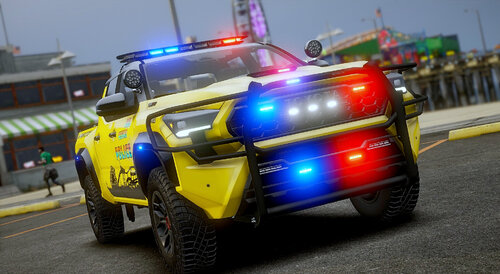 I'm not sure if this is where I ask questions like this, but the light on my vehicles including the interior lights are all so incredibly bright. The DRL lights on the EV F150 are so bright that it turns the surroundings completely dim cause they're so bright. I've tried Radiance V and it doesn't seem to help, so I'm wondering if there's a workaround or another mod that I need to fix it. I have no idea how to fix it and I'm hoping you have some insight.
- 360 comments
- 26 reviews
