


Boomatisch
Members
-
Joined
-
Last visited
Everything posted by Boomatisch
-
-
-
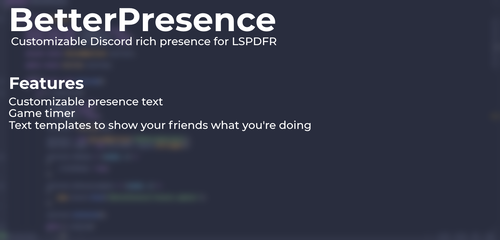 Hi there! I really like this Plug-In! I just have a Question. i installed it correctly and it shows in the Discord 00:00 Elapsed. Is there a Way to fix this? And would it be possible, to implement the Feature, when it show's "Responding to a Call" that it can Show the Call that you are responding to? Like, "Responding to a Accident" or Stuff like that? Happy Easter!
- 37 comments
- 5 reviews
-
Hi there! Thanks for your Reply. I think i fixed it by my self ... I use the Natural Vision Evolved (NVE) Grafik Mod, and after i Installed the LSPDFR Compatility Patch it's working.
-
Hi there! I wanted to play LSPDFR. I installed everything, and now i can't get it to work. Befor you Ask: YES, i have the LATEST Version from everything. I will upload the LOG.File. I hope someone can help me 🙂 Thanks! RagePluginHook.log

