Farhad98
Members
-
Joined
-
Last visited
Everything posted by Farhad98
-
 Need Siren Mastery. ⭐ Copy file into "CustomSirens" Folder.
 -
 Thanks for downloading 🙂 INSTALLATION: Drag and drop the lspdfr folder into your main GTAV directory.
- 2 comments
- 1 review
-
-

- 2
-
-
-
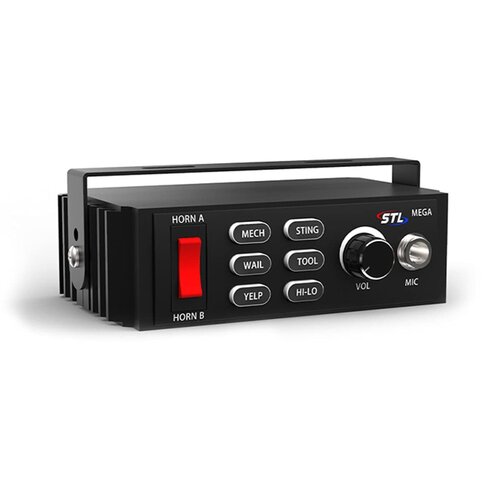 Need Siren Mastery. 😉 Copy file into "CustomSirens" Folder. Easy Installation.
 -
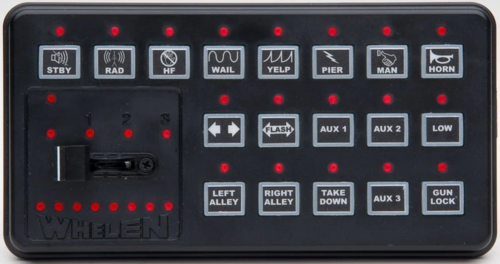 Need Siren Mastery. ⭐ Copy file into "CustomSirens" Folder.
 -
 Need Siren Mastery Mod. Put the file in "CustomSirens". Add it into "VehicleSirenSetup.xml" file. Thanks for Download.
 -
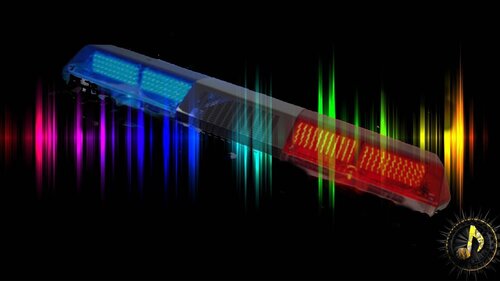 Need Siren Mastery Mod. Put the file in "CustomSirens". Add it into "VehicleSirenSetup.xml" file. Thanks for Download.
 -
 Need Siren Mastery Mod. Put the file in "CustomSirens". Add it into "VehicleSirenSetup.xml" file. Thanks for Download
 -
 Need Siren Mastery Mod. Put the file in "CustomSirens". Add it into "VehicleSirenSetup.xml" file. Thanks for Download ⭐⭐⭐⭐⭐
 -
 Salam, Fadat. Discord Daram Vali Fa'al Nistam.
 -
Thanks for download! Enjoy to this music installation: 1. Open OpenIV. 2. Go to: mods/x64/audio/sfx/PROLOGUE.rpf\td_loading_music 3. Replace or drop the "td_loading_music.oac" file to the PROLOGUE.rpf directory
-
-
 Thanks for download! Enjoy to this music installation: 1. Open OpenIV. 2. Go to: mods/x64/audio/sfx/PROLOGUE.rpf\td_loading_music 3. Replace or drop the "td_loading_music.oac" file to the PROLOGUE.rpf directory
 -
-
.thumb.png.c6c15161fe42ee18b0eb360afc19f8fb.png) Installations: Uniform: ~~~~Grand Theft Auto V\Mods\update\x64\dlcpacks\patchday9ng\dlc.rpf\x64\models\cdimages\patchday9ng.rpf Hat : ~~~~Grand Theft Auto V\Mods\x64e.rpf\models\cdimages\pedprops.rpf Thanks for Download 🙂
Installations: Uniform: ~~~~Grand Theft Auto V\Mods\update\x64\dlcpacks\patchday9ng\dlc.rpf\x64\models\cdimages\patchday9ng.rpf Hat : ~~~~Grand Theft Auto V\Mods\x64e.rpf\models\cdimages\pedprops.rpf Thanks for Download 🙂 -
-
 Thanks for download! Enjoy to this music installation: 1. Open OpenIV. 2. Go to: mods/x64/audio/sfx/PROLOGUE.rpf\td_loading_music 3. Replace or drop the "td_loading_music.awc" file to the PROLOGUE.rpf directory
 -
-
 Thanks for downloading 🙂 INSTALLATION: Drag and drop the lspdfr folder into your main GTAV directory.
- 6 comments
- 1 review
-
-

- 1
-
-
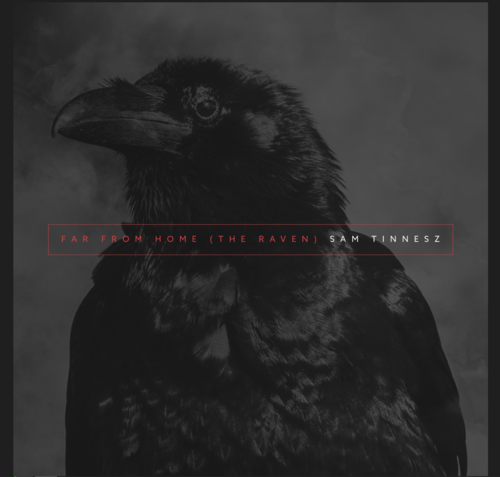 Hi, in your files is something wrong, I have no problem with that. Song's name is in picture.
 -
Thanks for download! Enjoy to this music 🙂 installation: 1. Open OpenIV. 2. Go to: mods/x64/audio/sfx/PROLOGUE.rpf\td_loading_music 3. Replace or drop the "td_loading_music.awc" file to the PROLOGUE.rpf directory





.thumb.png.c6c15161fe42ee18b0eb360afc19f8fb.png)