
Ronald Straat
Members
-
Joined
-
Last visited
Everything posted by Ronald Straat
-
-
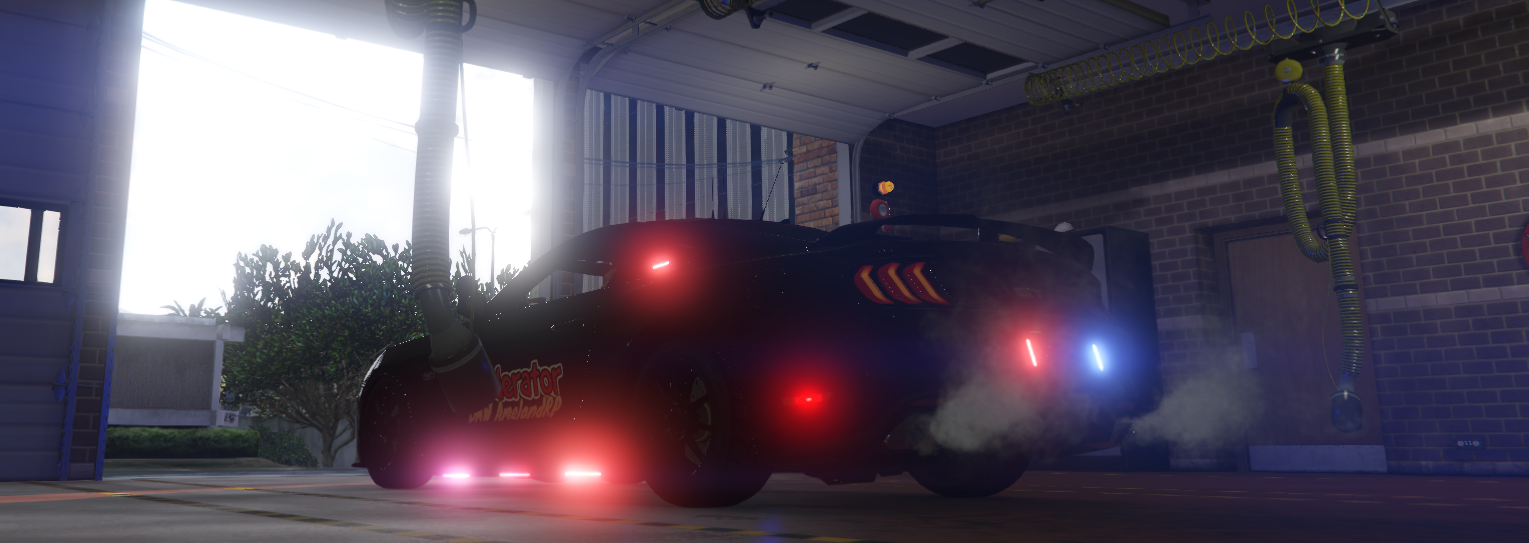
 Hey there! After downloading the LML version and using MM (Mod Manager) to automatically install it for me there is a slight problem and that is that the ELS Lights don't work for me if I turn the lights on there is no lightning around the area and that's all. P.s. Do I need to change the turn settings for a couple of cars? Since some of them can roll over when you turn around while driving very slowly.
- 119 comments
- 11 reviews