


DHW22
Members
-
Joined
-
Last visited
Everything posted by DHW22
-
The game runs fine without the mods folder, so 99.9% sure its a mods folder issue. thanks for the help!
-
I verified game files, but no luck. I do have EUP, but I may have to go through and start pulling mods to see if one is possibly corrupt. Thanks for the help! we will see if that fixes it.
-
No issues running GTA V without RAGEPluginHook. Re-installed it from LSPDFR Download, once it relaunched same issue happened.
-
My bad, probably should have done that in first place lol. RagePluginHook_22032023_092003.log
.thumb.jpg.66bfe5bbb02be658805adbf4b9d15123.jpg)
-
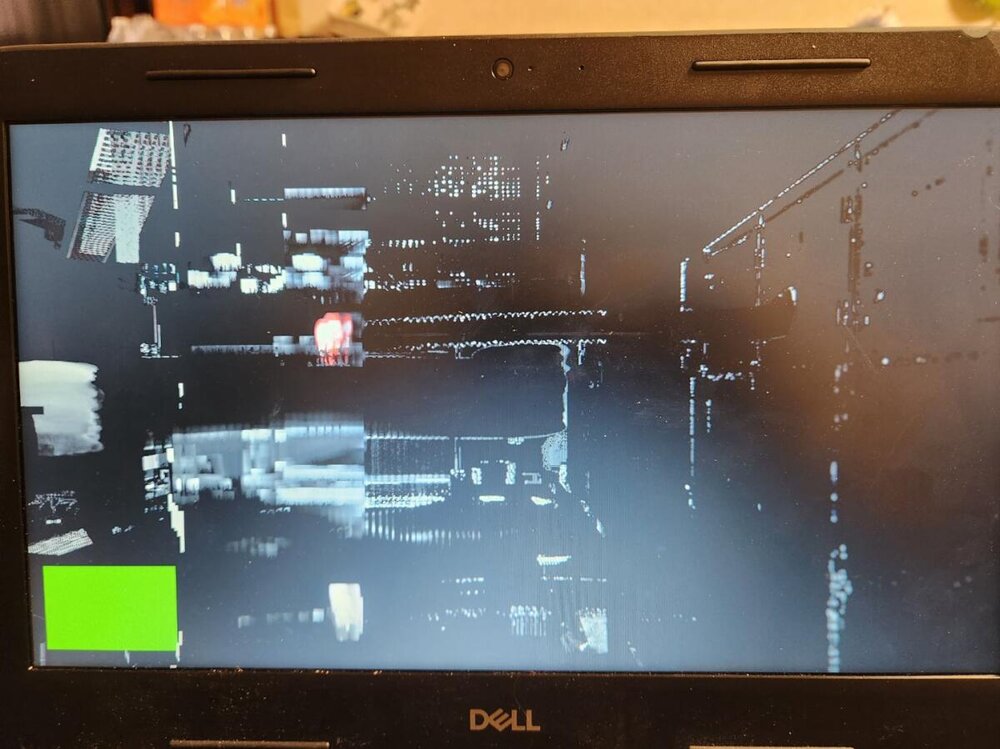
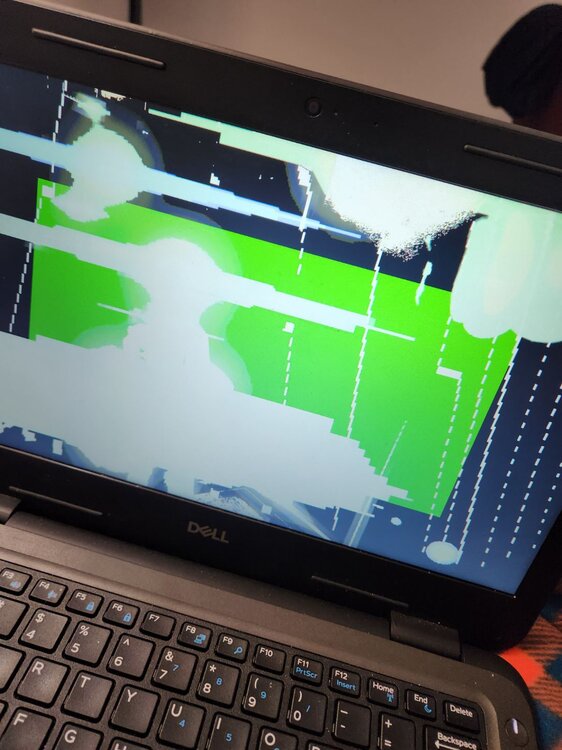
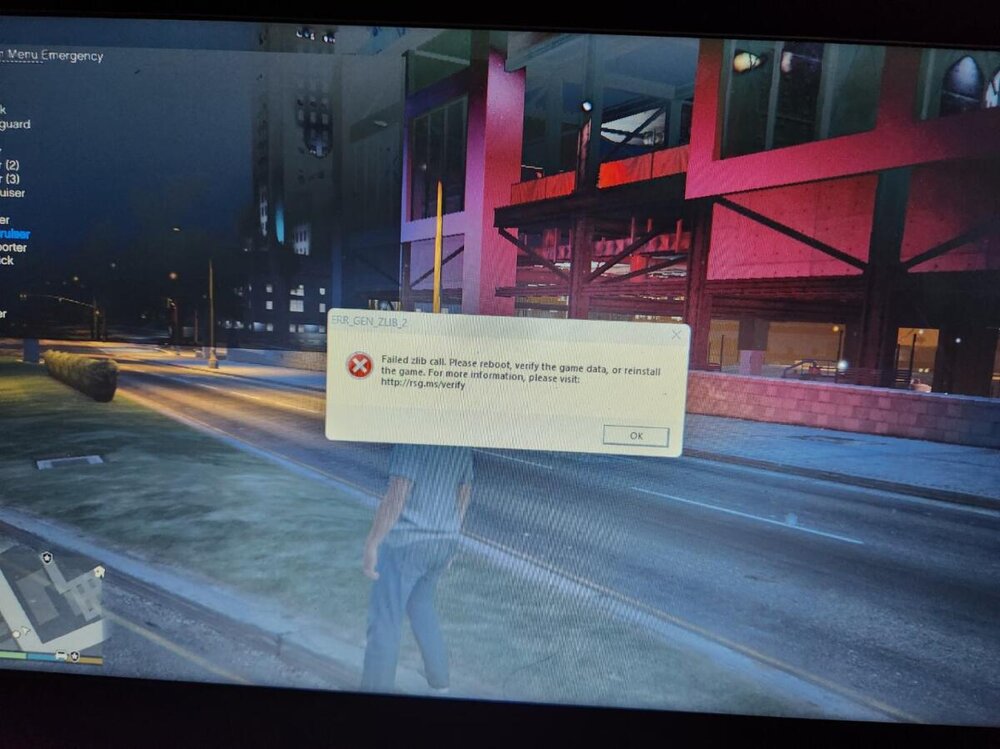
Hello, I'm having some troubles loading GTA V with LSPDFR And Rage Plugin hook. Every time I go to play, the game will either load my character, then shortly after moving around where I spawned (Police station , or in apartment) it will glitch out and freeze like this... Other times the game with show an error message then force me to close the game which starts a crash report any ideas? Thanks! Glichout in station.



.jpg.e612008d06e34384bd68d9fa099f374e.jpg)
