



Springer887
Members
-
Joined
-
Last visited
Everything posted by Springer887
-
Hello, I have tried installing at least three different add-on vehicles and every time the game crashes at "Initializing Core" when loading the Rage Hook Plugin. The vehicles I've tried are: - Rabbit's 2018 Dodge Challenger Demon (ELS) 1.0.1 - Rabbit's 2023 RAM 1500 TRX 1.0.0 - [ELS] RCMP Pack [DLC/REPLACE] A When I remove the <Item>dlcpack:/demon/</Item> (and associated lines for the other vehicles when I tried) from the dlclist.xml file the game loads. I do not know why and any help would be appreciated. I do have my log below but I have added a couple more mods which are working just fine since this log was generated. When I tried installing the add-ons I had no other mods (except for LCPDFR loaded and a few of Bejoljo's plugins.
-
I believe stop the ped uses the "E" key when your near a ped.
-
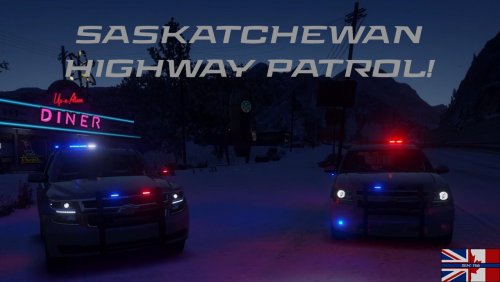 How does one find and join a FiveM server with Saskatchewan folk on it? lol
