


Hendricks45
Members
-
Joined
-
Last visited
Everything posted by Hendricks45
-
This is unrelated but I do you know how to fix the err fil pack 3 message I only have one mod installed and all the limiters and adjusters but none of them seem to work RagePluginHook.log
-
It was my mods folder luckily I only had one mod installed unfortunately it was the nve single player causing it
-
My game is crashing on startup I was looking through the rage hook log and this seems to be what is causing the problem if someone could help me with this ive never had this problem before
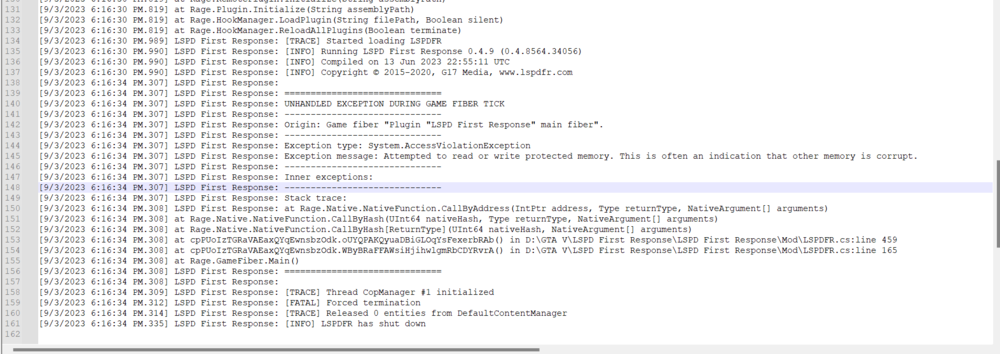
-
I installed lennys mod loader along with the game config that is supposed to make it work but when I try to launch the game it loads for a few seconds then crashes. I cant seem to find anything in the log that could be causing isues RagePluginHook.log
-
I installed Gameconfig (1.0.2802) for Limitless Vehicles V30 and installed in to mods update update rpf common data
-
I have been trying to install add on cars and I have everything I need game config pack file limit adjuster and a heap adjuster and it still doesn’t work I’ve also disabled the mods folder and it has worked so I know it’s the cars causing the crashing
-
As the title states my game is crashing on startup and I’ve reinstalled every and tried without mods enabled and the only error I’ve found is command line option “full screen” is specified twice I don’t know what that means or how to fix it any help would be appreciated

