GrizzlyDesigns
Members
-
Joined
-
Last visited
Everything posted by GrizzlyDesigns
-
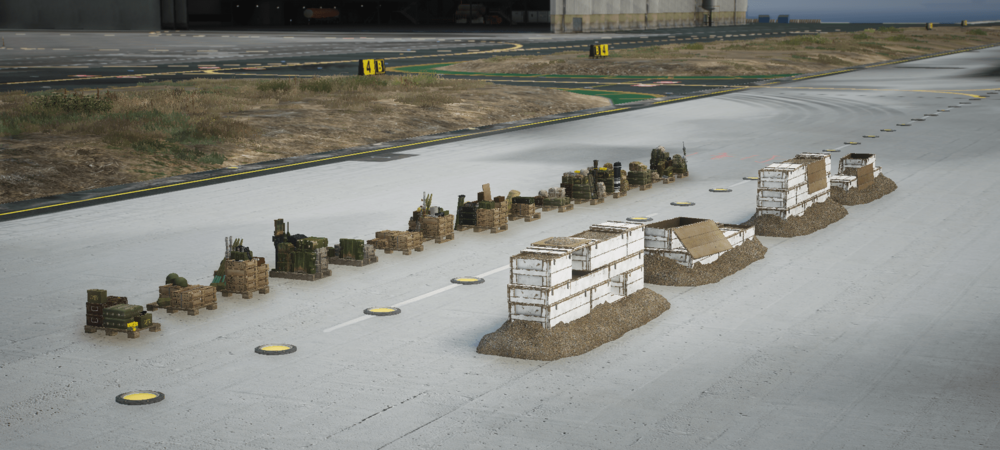
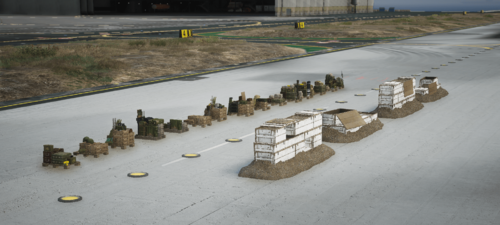 Object converted to Grand Theft Auto V from Squad. Can be used for mappings with FiveM & Singleplayer. Includes : x16 Different Ammo Crates - Great Britain - Russian - Militants - Canadian Armed Forces - Insurgents - Peoples Liberation Army - Australian Defense Force - United States Marine Corps x4 Ammo crate walls -- How do I use these props? -- https://www.youtube.com/watch?v=QZtFRk6ANm0 Model Credits : Offworld Industries (Aka - Squad Dev's) Join The Discord https://discord.gg/3YENaCJF
 -
Coming soon
-
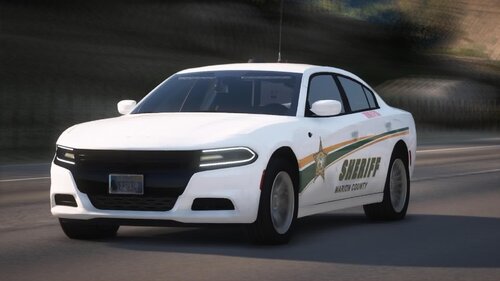 Compatability: Skins fits most new models such as the liberty pack and some other popular models. ------------------------------------------------------------------------------------------ Terms Of Service Use common sense, if you wish to reskin the vehicle to make it compatible with another vehicle please contact grz#3425 You are now allowed to RIP / Resell the MCSO Pack Liveries Do not credit yourself for this pack's skins. Do not upload my mods anywhere without my permission Grizzly Designs is not responsible for any damage to your computer or GTAV folders. 2013 Explorer + K9 2014 Charger 2014 Ram 2014 Tahoe 2014 Tahoe 2016 Explorer 2018 F150 + K9 2018 Taurus + Supervisor 2019 Tahoe + K9 + Supervisor 2020 Explorer + Supervisor
 -
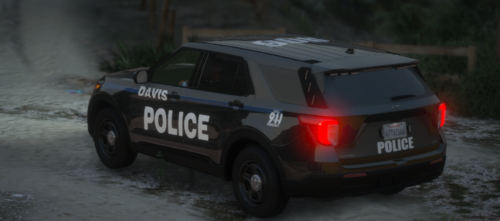 Recently just started to make designs, come check out my discord! Discord Please do not claim as yours or resell this livery.