


ottorans21
Members
-
Joined
-
Last visited
Everything posted by ottorans21
-
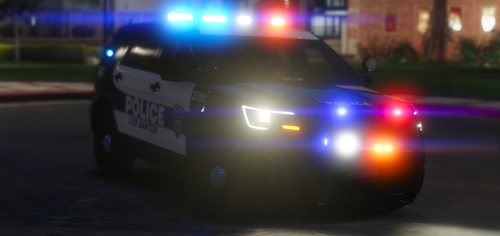 Its for an els pack
 -
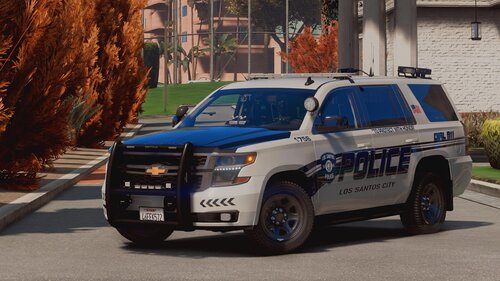 I was given permission and two don't go spreading false info if you do not know what you are talking about. I dmed him first and I have now put it on as a texture
- 44 comments
- 11 reviews
-
I have now re uploaded it
-
This is an LSPD mini pack I have done. I did the liveries and the cars I used are from this pack: The pack I have uploaded has a crown vic and a 2016 fpiu you can download the rest of the content from the pack from Torz Installation: 1. Go to OpenIV and navigate to mods\update\x64\dlcpacks 2. Drag and drop "legacypack" inside the dlcpacks 3. Navigate back to mods\update\update.rpf\common\data 4. Find dlclist.xml and right click on edit 5. Add this line to the last entry: <Item>dlcpacks:/legacypack/</Item> then click save 6. Naviage back to Mods/Update/update.rpf/common/data/levels/gta5/vehicles.meta 7. Drag the vehicles.meta into OpenIV 8. Drag the VCFs file into Grand Theft Auto V\ELS\pack_default LMK IF I SHOULD KEEP THE PACK GOING
-
 Couldn't agree more


