


Creators: Due to background reprocessing of files, approvals and file security checks may be delayed. Thanks for your patience.

Marrytake
Members
-
Joined
-
Last visited
Everything posted by Marrytake
-
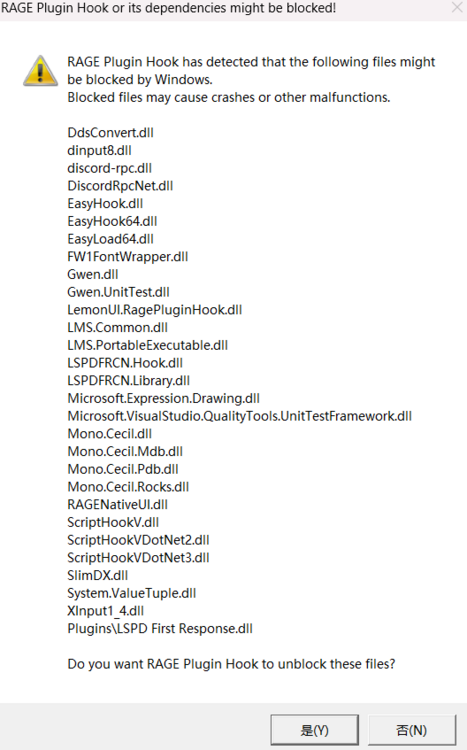
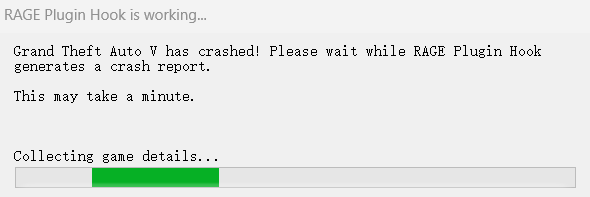
Upon initial mod launch, the first error message shown in the first image appears. Clicking 'Yes' starts the game, but it immediately crashes to a black screen and continuously generates error reports as shown in the second image, requiring force-quitting. Only the mods listed in the third image are installed. Seeking solutions to resolve these issues.

-
OK, thank you very much. I'll give it a try!
-
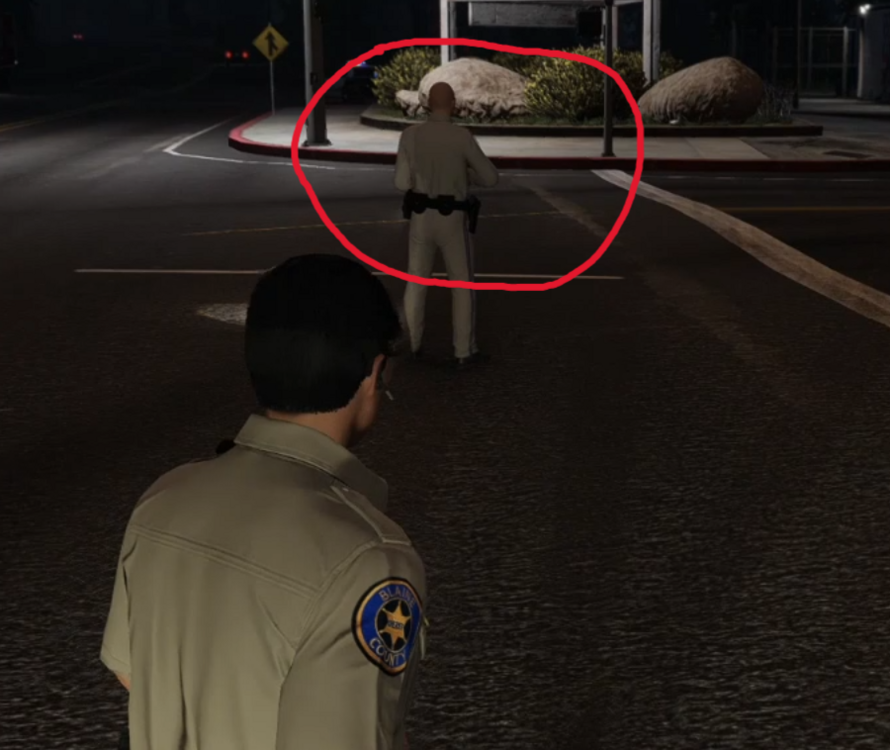
At present, I found a screenshot from a previously recorded video. After the SAHP police officer in the picture responded to the pursuit, the vehicle disappeared, and the character model just remained motionless in place, showing no reaction to the surrounding environment.
-
I'm truly sorry! The automatic translation function of my browser made me forget to make the necessary revisions, causing you unnecessary trouble. I have made the revisions as required. I'm really sorry about that!
-
During the pursuit, after the units randomly generated nearby respond, the original emergency vehicles disappear, causing them to come to a standstill in place. Alternatively, an additional character model may be generated and stand there motionless.
-
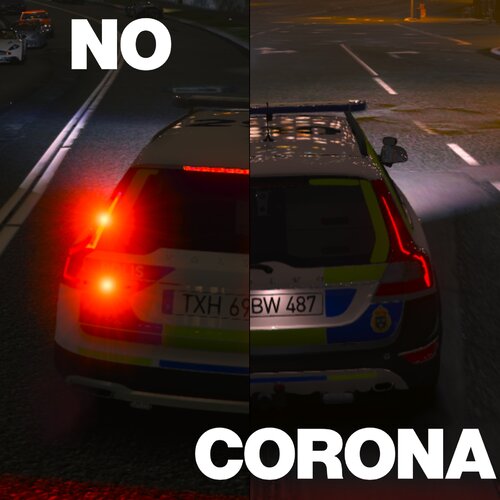 你的工作真是太棒了!完美地解决了我车辆的照明问题!




