Creators: Due to background reprocessing of files, approvals and file security checks may be delayed. Thanks for your patience.

SHERIFF/EMS/FIRE
Members
-
Joined
-
Last visited
Everything posted by SHERIFF/EMS/FIRE
-
 The answer to your question is NO
 -
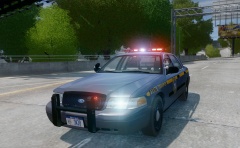 I like the idea of a randomly spawning pushbar. Can't wait to have an updated and accurate NYSP pack.
 -
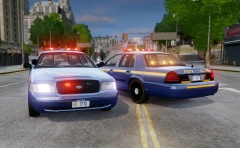 Exactly why I recommended it to him. He puts 100% into his mods and strives for excellence. I really hope he releases it too, the screenshots look amazing and the lighting looks accurate. Can't wait to have this pack as well as Ridgerunner's NYSP CITE tahoes. All I could ever ask for.
 -
 Can I have the link to you 1th and 2th
 -
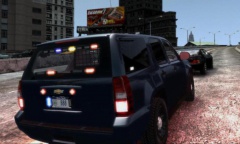 Here is a video of the back of a New York State Police Concealed Identity Traffic Enforcement Unit if you have never seen one.
 -
Speechless
-
I think I've been waiting almost a year for this pack now. I'm really starting to lose hope in it. Every couple of months CJ posts an update and the updates are phenomenal. I know that CJ has put a lot of time and effort into this pack and it is ultimately his decision to release it or not. I hope to see it released but I really have doubts in it. Don't get me wrong it is still an amazing pack and I really admire the hard work and effort it put into making it as shown in the pictures.
-
 Interested
 -
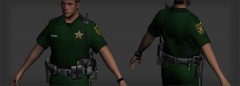 Amazing work
 -
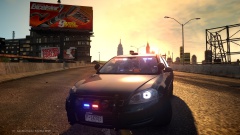 I love chevy Impalas! Too bad there isn't as many in the modding community as CVPIs etc.
 -
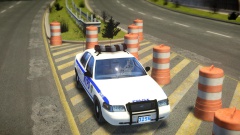 Looks amazing
 -
Try posting this question on the CryENB makers website http://fabriciuz.wix.com/fabriciuz. Maybe he can help
-
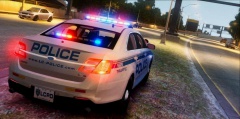 I like what you did with the traffic advisor
 -
-
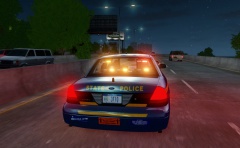 If this vehicle has the same wigwag setup as your other cvpi it looks to have 100% lighting accuracy. Examples: - This one does have a grille light out
 -
They look great and have come a long way. Is their anything you need more to complete the pack? This is the only pack I have been waiting for the past year. Please let me know if you need anything. BTW CVPIs with the bar on top have no rear wig wags and only the middle headlights flash. I will post some youtube example links below. It looks like you have the slicktop wigwag setup on the car. The slicktop does does have rear wigwags and the double wigwags in front. Please keep up the good work on this pack.
-
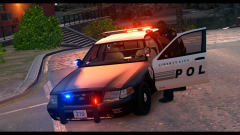
-
Is that a custom pattern for the traffic advisor?
-
I've recently seen a NYSP FTPI with ALPRs mounted on the trunk.
-
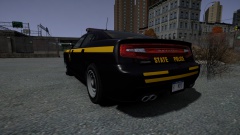 Very nice :D
 -
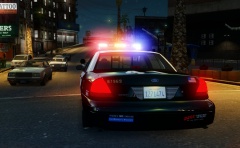 Nice to see you haven't given up on US mods. Keep up the good work CJ
 -
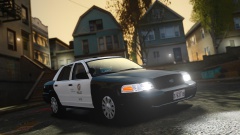 Does that ENB work well with ELS? Very nice
 -
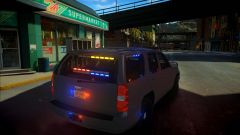 mirrors need some lights :D
 -
the two white lights on the back of the bar are not flashing for me. Anyone else experiencing this? Other than that it is an amazing pack
- 18 comments
- 5 reviews
-
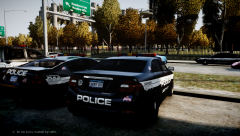 I like those lightbars a lot they look very similar to NYSP lightbars. If you added another red to the center of the lightbar between the blue and amber it would look just like one.