


Killergamer4059
Members
-
Joined
-
Last visited
Everything posted by Killergamer4059
-
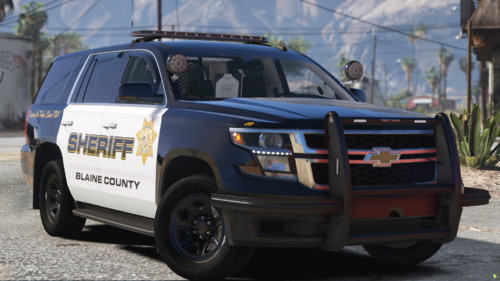 So I am not sure on how to make a FiveM ready file work SP. I would look at one of these videos; https://www.youtube.com/watch?v=TGorA0uv8GQ https://www.youtube.com/watch?v=mVlU9Ar9nR8 Thank you I will take a look, I unfortunately have to reinstall my game because I broke it using ELS, had 85 files missing, and graphical issues in game with textures greying out. I will let you know how it goes once I get the fresh install done.
- 8 comments
- 1 review
-
Did a little more digging, did a file integrity check and had 85 files, which is 53GB's worth of files that were missing. I followed the tutorial to a T and still ended up breaking my game. Anyone know how to install ELS with OpenIV without breaking the game?
-
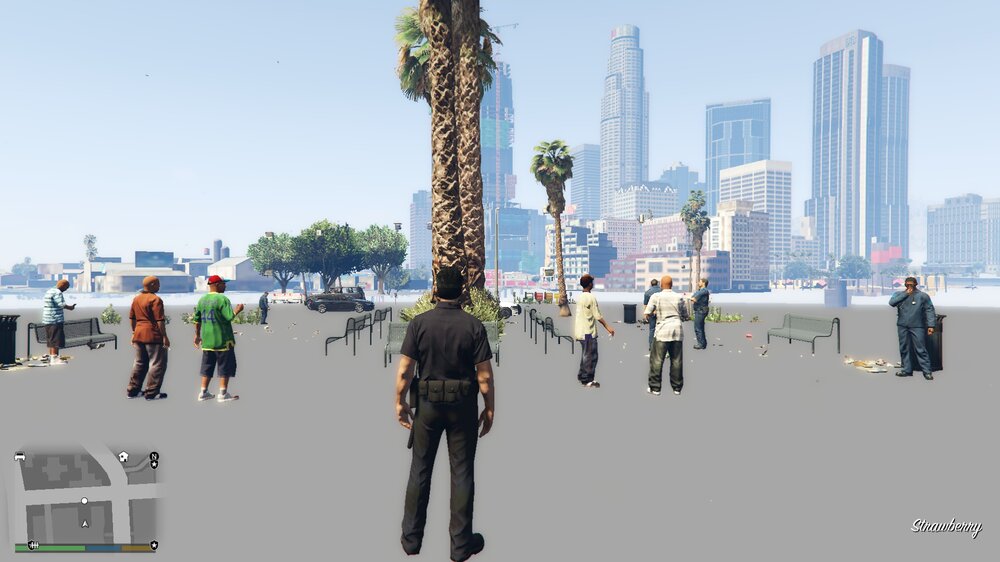
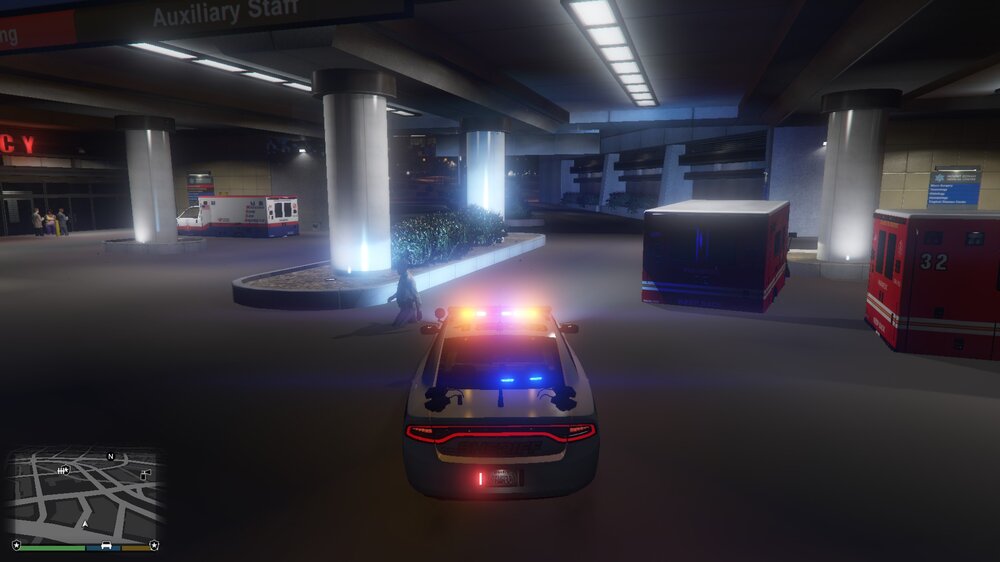
I followed a tutorial from Benzo Effect on Youtube to install ELS properly with OpenIV. I followed all steps accordingly and carefully, now I am having graphical issues and don't know how to fix them. (See attached pictures) Can anyone help me please?
-
I am mostly a beginner when it comes to modding gta 5, so I may of done something wrong. I used LML to put it into the game, I was using it singleplayer with LSPDFR but when it tried to boot the game it would say the file had a bad meta file. I have used OpenIV to mod as well before but I find that it crashes LSPDFR frequently. I find that ELS related stuff crashes my game more often, could be from a user error or could just be a conflict with a mod. I know that this mod isn't ELS which is what I was looking for so any help would be appreciated. When I put the first comment up I wasn't trying to come up as rude or anything just wasn't sure what was going on and wanted to point it out in case it was an issue with the mod.
- 8 comments
- 1 review
-

