



kimchicowboy101
Members
-
Joined
-
Last visited
Everything posted by kimchicowboy101
-
unfortunate that didnt work. Still froze. I attached the rage folder. help2.txt
-
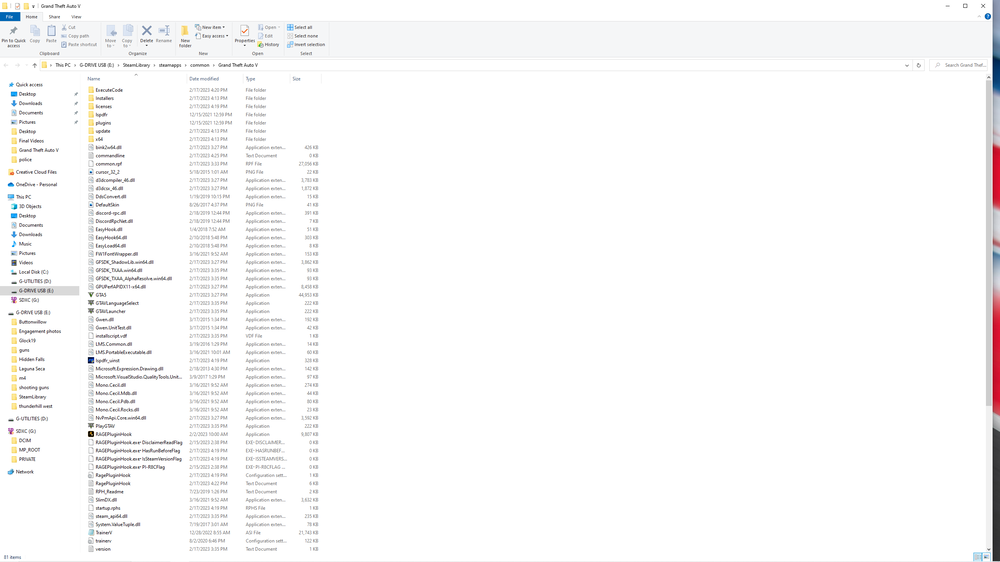
I do not have a mods folder at this time. Attached is main directory. Thank you for helping.
-
After the update it kept crashing, so I clean wiped the game and uninstalled GTA V. But now it continues to crash after the loading screen gets 2 stars... Not sure what to do. Log is attached. help.txt
-
Tried the mods folder, and updated it. Still not luck. I tried to install a mk18 rifle DL and I think this is what is causing the issue, but am unsure how to uninstall it.
-
Updated game, backed up game, verified integrity and went to start up and it would freeze the computer at startup screen with the cop lights and sirens. I couldnt even open task manager to force quit, I would have to shut off computer. Any help is appreciated, I wish I could learn how to read these logs! Thanks in advance! RagePluginHook12.txt
-
Updated game, backed up game, verified integrity and went to start up and it would freeze the computer at startup screen with the cop lights and sirens. I couldnt even open task manager to force quit, I would have to shut off computer. Any help is appreciated, I wish I could learn how to read these logs! Thanks in advance. RagePluginHook12.txt
-
Ok, I will try looking again. Is there a simple way to search for the file? In plugins folder there is nothing for DynamicCallouts. Complete newb at this haha
-
@Cyan I deleted it out of my plug-ins folder. I just selected the files and right clicked and deleted them. Is there a proper way to do it?
-
Any help would be greatly appreciated. Log is attached. RagePluginHook.log

