


Aidyn99
Members
-
Joined
-
Last visited
Everything posted by Aidyn99
-
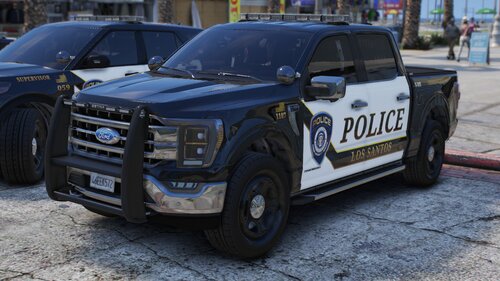 This pack is amazing the only downfall is that the lights change with the siren honestly I like the fact you do that but the second downfall is when you press the Horn the all the lights freeze and don't move if you could make it where it is just one strobe and doesn't change with the siren and the lights don't freeze when you press "E" which is your horn, please and thank you!

