ParadoxScoutee
Members
-
Joined
-
Last visited
Everything posted by ParadoxScoutee
-
This mod is still going strong, do you know I can adjust it so that US Air Force Police responds instead of National Guard at Zancudo? It seems to be in the lspdfr files but not the Ultimate Backup (which I'm using) files
-
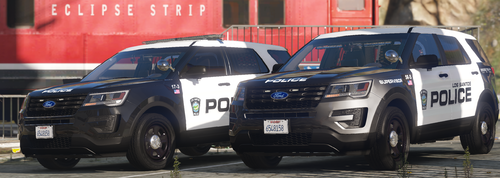 What happened to the other pack man?
 -
.thumb.png.0aad8e3e54fa8817e34f97bbb8f912f4.png) Nice work pretty sure that isn't the vehicle used in the photos, just a model that fits the template.
Nice work pretty sure that isn't the vehicle used in the photos, just a model that fits the template. -
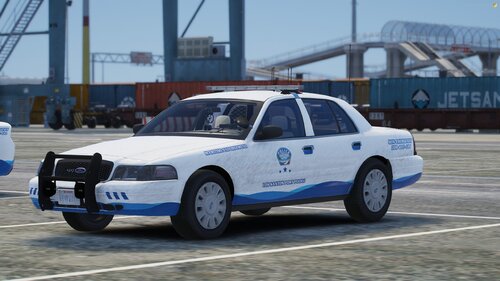 Nice work dude!
 -
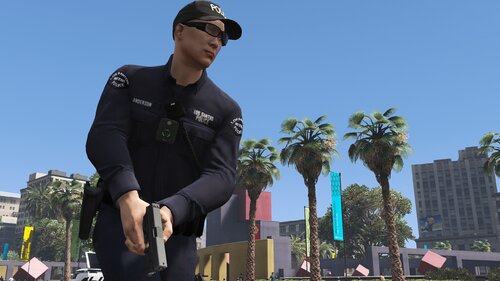 Thanks for letting me know, I also have something else to ask. Do you think it's possible for a DPPD, RHPD and LSIAPD motor unit for the agency.xml and SpecialUnits.xml? Anyways, I can tell this took a long time of checking EUP apparel and accessories as well as converting to copy paste it in; so I thank you for making this mod and saving the community days, maybe even weeks of editting XMLs.
- 954 comments
- 24 reviews
-
1. Do you think you can add border patrol to the agency_eup.xml (GTAV/lspdfr/data/custom)? 2. I'm not sure what file sets the zones for ambient vehicles in LSPDFR, but do you think you can add NOOSE divisions to it (eg. SEP patrols near the NOOSE HQ, BP somewhere on the coast in the countryside, etc. Any regions that make sense for different NOOSE divisions)?
- 954 comments
- 24 reviews
-
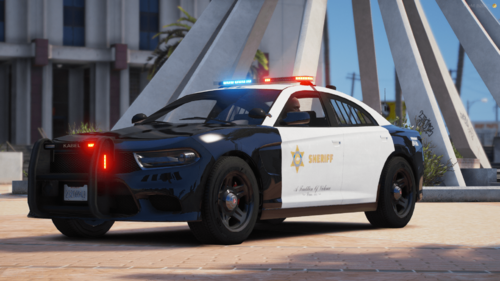 I love this! I have another vehicle to add to my lore LSSD fleet.
 -
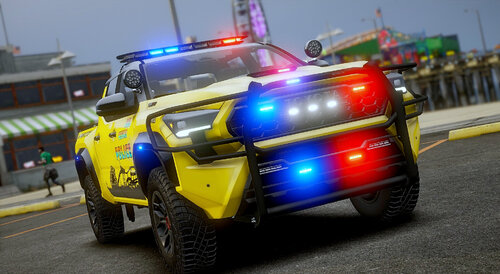 Oh my f*cking god, you're amazing! Edit: I know this is a lot, but you should try adding a port police, del perro police and rockford hills police pack.
- 365 comments
- 29 reviews
-
-

- 1
-
-
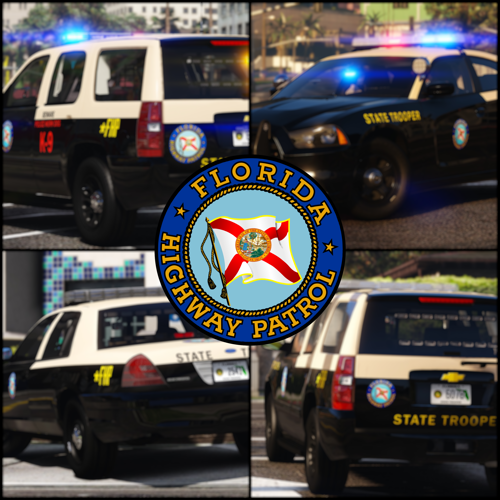 Yes, this looks awesome! 🔥🔥 I'll make sure to report any bugs I encounter. (too many bugs to use the google form) Bugs: - FHP1A ELS file is missing - FHP10 takedowns are showing on the rear side - FHP12 I'm not sure if this is how it's supposed to be but the livery seems messed up - FHP18B rear window lighting isn't toggled as an ELS extra - FHP19-21 don't have liveries - FHP25 spotlight isn't toggled as an ELS extra - FHP26 takedowns are showing on the rear side - FHP27 spotlight isn't toggled as an ELS extra - FHP28 takedowns are showing on the rear side - FHP29 doesn't have a livery - FHP35 rear window lights are faint and only two lights are showing - FHP53 spotlight isn't toggled as an ELS extra - FHP7A doesn't have a livery - In general some vehicles don't have takedowns when they should, some handling lines are messed up and LOD issues
- 300 comments
- 23 reviews
-
-

-
- 3
-
-
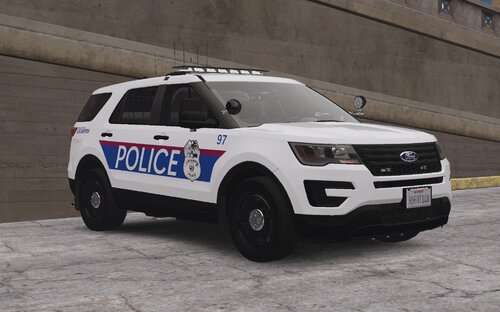 Nice liveries man. 🔥 🔥 You should try make these liveries for this pack.
 -
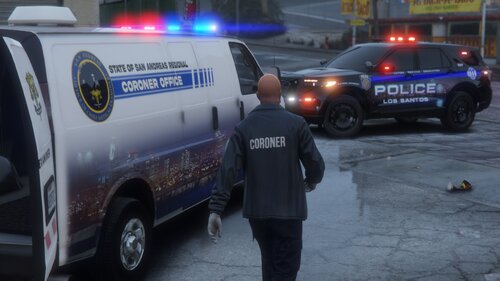 Good f*cking shit ED, installing this one and keeping it forever. Could it be possible if you could add 3 more liveries? Los Santos, Los Santos County and Blaine County.
 -
-
-
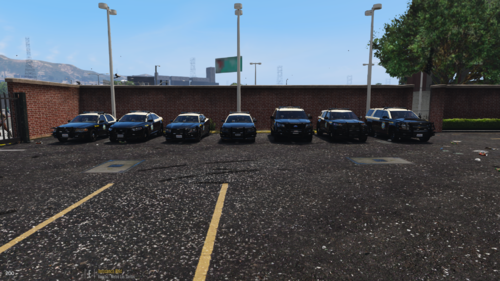 Holy shit this is amazing, can you upload the all blue files because the other one from Museum of Blue Lights has the headlights and brightness not the same.
 -
-
As in how would the HoldMyGun would work in-game whilst paired with this config. Would I only require this if I'm playing as a firefighter or does it include backup?
- 954 comments
- 24 reviews
-
The install tutorial doesn't mention it, I'm not an expert when it comes to this. Could you be able to explain how it would work in detail?
- 954 comments
- 24 reviews
-
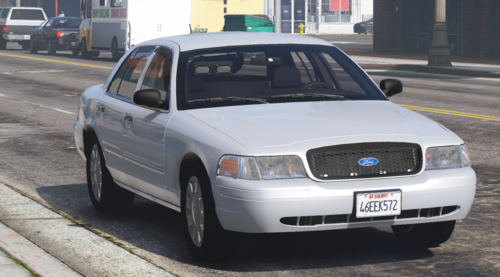 I understand that, however it's still a good vehicle!
 -
Amazing! I was wondering if you could move the front light to the middle instead of to the right.
-
-
-
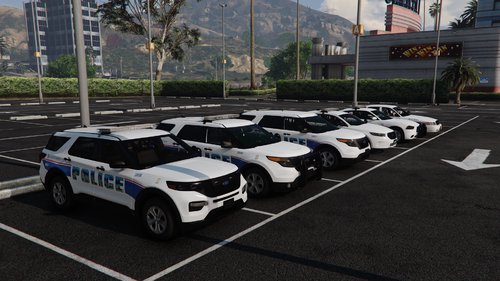 Minor thing, do you think you could add a raised spotlight for takedowns?
 -
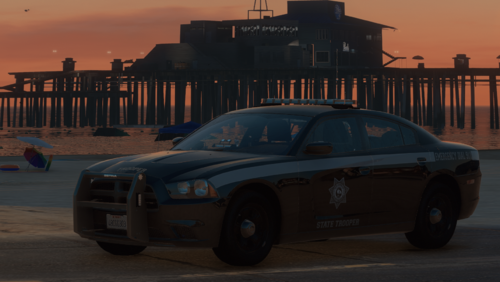 I've been anticipating this release forever and I don't regret it. You've produced this vehicles to an exceptional level! 🔥🔥🔥 I'd also love to see maybe a Taurus and Durango. 👀 Anyways I will use this pack for a long time to come.
 -
Anyways 🔥🔥🔥, what vehicles do you think you would add like a FPIU, Charger, Tahoe, etc. (Also is it possible that we could get a lightbar CVPI?)
-

.thumb.png.0aad8e3e54fa8817e34f97bbb8f912f4.png)