


Bacon95
Members
-
Joined
-
Last visited
Everything posted by Bacon95
-
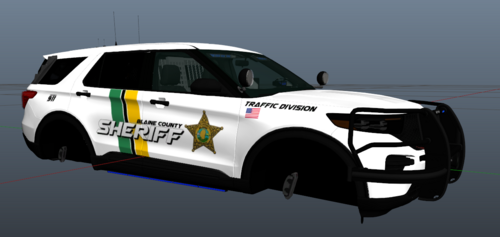 These seem to be the same livery. But im stoked on your turn around on the tahoe! thanks again!!
 -
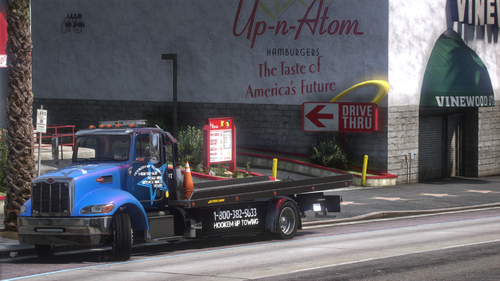 You need to go to your carvariations file and edit the sirensettings and lightsettings line for the Flatbed model. For instance: I set mine to lightsettings value="23" and sirensettings value="1" The carvariations file is located in this path way in your open IV. OpenIV>GTAV>mods>update>update.rpf>x64>data Just jumped in my game and tested it and responds with ELS activated!
- 28 comments
- 5 reviews
-
-

- 1
-
-
.thumb.png.9d0943161b37f863c291d6d6664edefb.png) as of 1/23 i did not see the en-US folder in that pathway so i put it in en-GENERIC with the roadblock xml from the auto roadblock plugin
as of 1/23 i did not see the en-US folder in that pathway so i put it in en-GENERIC with the roadblock xml from the auto roadblock plugin- 368 comments
- 33 reviews
.thumb.png.9d0943161b37f863c291d6d6664edefb.png)