


Kotstulle
Members
-
Joined
-
Last visited
Everything posted by Kotstulle
-
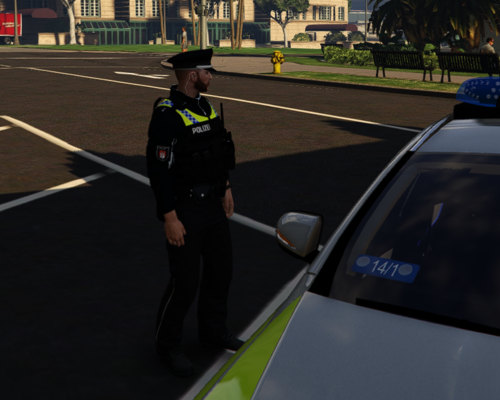 Ich hab’s gefunden. Es war unter Top: 303. Es sieht auch im Spiel ziemlich gut aus, aber in der 1. Person buggt es ein bisschen. Aber für umsonst sehr gute Qualität!
 -
Die Biler sehen sehr vielversprechend aus, aber wo findet man das im eup-menu? lg
-
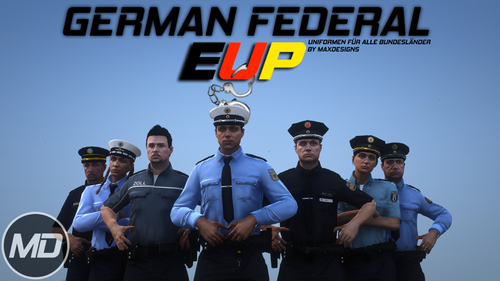 Hi! Wirklich super krasses Eup, gerade Bundespolizei und Polizei Hamburg sind richtig gelungen. Aber ich habe eine kleine Frage/Problem: Unzwar lädt das eup nicht bei den NPCs. Brauche ich da noch irgend ein Plugin oder ist das ein bekanntes Problem das man einfach beheben kann? Danke schon mal im Voraus lg Kotstulle
- 25 comments
- 4 reviews

