


TheKoolster101
Members
-
Joined
-
Last visited
Everything posted by TheKoolster101
-
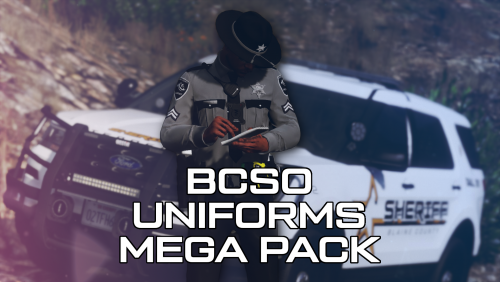 Love these packs. Been using em for some time. Would be nice to get instructions on the extra content though. I've done my fair share of sifting through archives of stuff to find where things go and eup's are a real pain to go through and wrong installs are very possible without instructions and leads to comments like mine asking for em. If you wouldn't mind, can we get those instructions chief? Or does anyone that has installed this before, know where the extras go?
- 63 comments
- 8 reviews
-
-
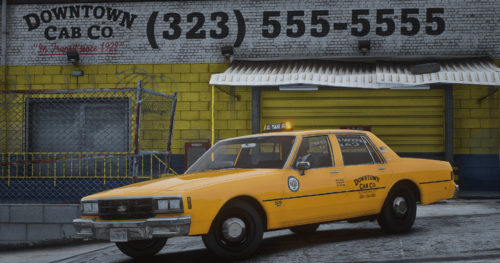 best taxi mod imo. Very well done!
 -
 Rage log throws an Error while initializing plugin: RichsPoliceEnhancements.Main: String was not recognized as a valid boolean. at system.Boolean.Parse(String Value) This would indicate an edit in the ini file that is in the incorrect syntax or something is spelled wrong I believe, but I haven't touched the file at all and it wont load the plugin. Edit: Fixed by replacing with a fresh install. User error!
- 394 comments
- 30 reviews
-
-

- 1
-
-
 I installed LA Revo and their graphics mod. I can't get Simple Ctrl to work anymore since installing LA Revo. It says simple control crashes during the auto loading process. I then go to reload the plugin once everything boots, but it says it's still running. I force terminate in RPH, then reload and it still says its running. Idk what's going on or what could conflict with this. But im out of ideas.
- 446 comments
- 17 reviews
-
 Tried this, CSScenario Pool Size too low. Obviously, I can increase it. But the other configs seem to work fine.
 -
 Noticed a few things, backup tends get out in the middle of the street on code two responses. Also, calling for backup seems to get bugged over time resulting in no backup even spawning. Otherwise, calling for backup and having them meet you there is amazing. This one has a lot of potential.
 -
-
Looks Great!! I will try it out now!
-
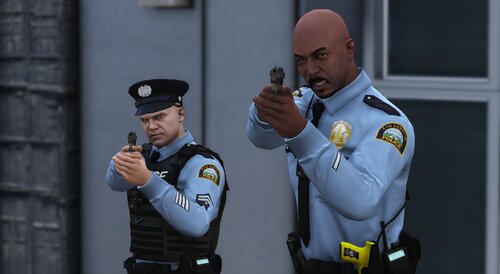 The install is not a drag and drop. Everything inside is a png file. **EDIT** These are textures. The pathway given is a little misleading. Replace the textures inside YTD files with his. I will post review after install.
 -
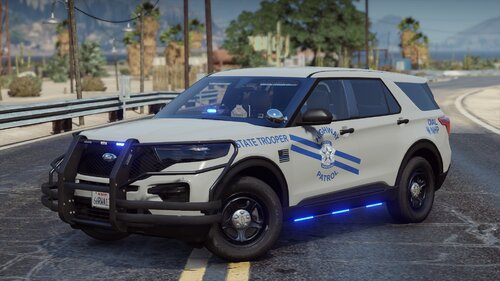 I used different models, so any small differences are not the creator's fault. These skins are just awesome. Great job!
- 4 comments
- 1 review
-
I have been waiting a long time for a silver NHP pack. I'm from Nevada. NHP changed their color about three years ago to silver from blue and I haven't seen one skin pack for it lol. Great job!!!!!!!!!!!
- 4 comments
- 1 review



