Skip to content
View in the app

A better way to browse. Learn more.

LCPDFR.com

A full-screen app on your home screen with push notifications, badges and more.

To install this app on iOS and iPadOS
  1. Tap the Share icon in Safari
  2. Scroll the menu and tap Add to Home Screen.
  3. Tap Add in the top-right corner.
To install this app on Android
  1. Tap the 3-dot menu (⋮) in the top-right corner of the browser.
  2. Tap Add to Home screen or Install app.
  3. Confirm by tapping Install.
We're performing changes on our download infrastructure. During this time, you may encounter downloads failing to complete or start. Thank you for your patience.

playerguy

Members
  • Joined

  • Last visited

Everything posted by playerguy

  1. I just reinstalled gta5 and it still says launching game
  2. Just tried that but nothing changed
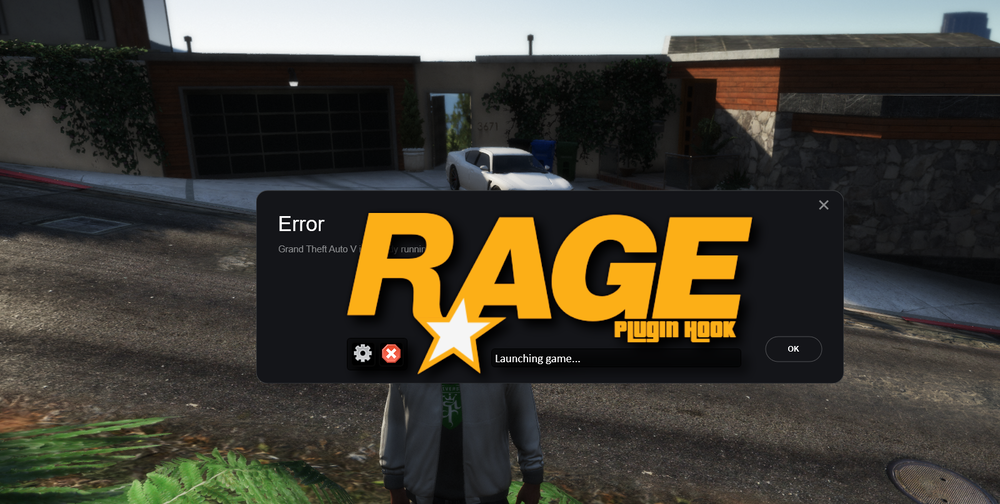
  3. Rage Plugin hook is stuck on launching game after i load rph.
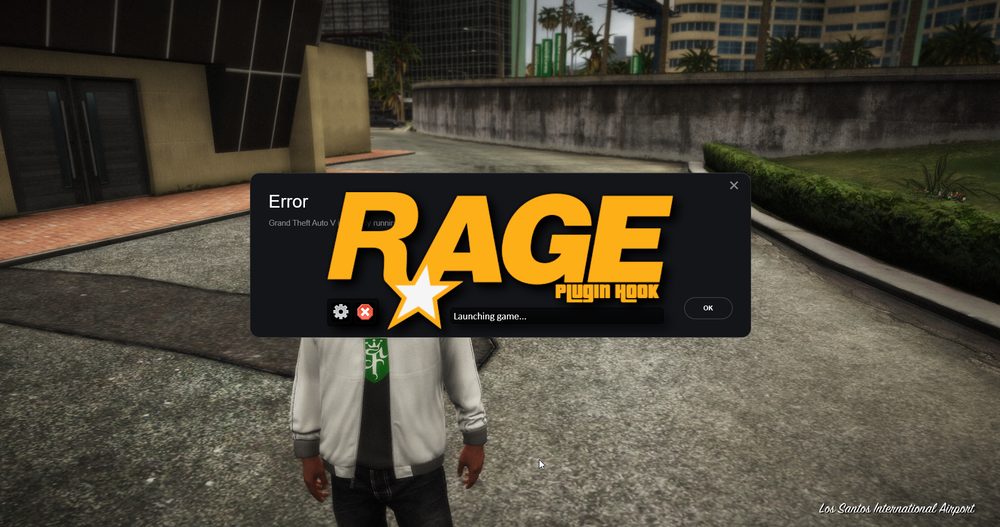
  4. would you happen to know why it would freeze my game?
  5. still freezing but when i took out one of the dlcs i had installed it worked fine (the grime rural pack). ive used this pack before and it worked fine but now its not working.
  6. still freezing
  7. When i start RPH it goes to the loading screen but then freezes, then after 5-10 minutes it unfreezes and continues to load into the game.
  8. also, I noticed it either freezes at the start where it shows the Rockstar logo or freezes on different pictures in the loading screen, then it crashes.
  9. did not seem to change anything
  10. Here you go RagePluginHook.log
  11. When GTAV or RPH Startup they crash or freeze while loading.

Account

Navigation

Search

Search

Configure browser push notifications

Chrome (Android)
  1. Tap the lock icon next to the address bar.
  2. Tap Permissions → Notifications.
  3. Adjust your preference.
Chrome (Desktop)
  1. Click the padlock icon in the address bar.
  2. Select Site settings.
  3. Find Notifications and adjust your preference.