


Intromus
Members
-
Joined
-
Last visited
Everything posted by Intromus
-
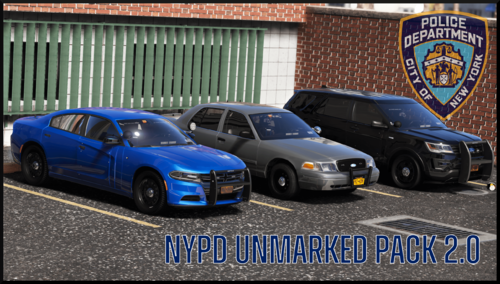 Hey, I know this pack may never get an update or looked at again, but, if you ever do something with it, could you find a way to maybe make the bulletproof panels an extra or something? They kind of get in the way when trying to make liveries for the cars. For example:
- 78 comments
- 10 reviews
