


carboyjo
Members
-
Joined
-
Last visited
Everything posted by carboyjo
-
It also crashes when I request backup. RagePluginHook.log
-
Heya, whenever I play LSPDFR and I get a callout my screen freezes for a sec then my game completely crashes, I will add the crash logs after. Things I have tried to fix this- - Verifying Integrity - Disabling Mods - Updating everything - Trying to redownload LSPDFR - Removing all plugins I think this MAY be related but I hear 3 blips whenever I load the game and whenever I press F11. RagePluginHook.log Here's my directory.
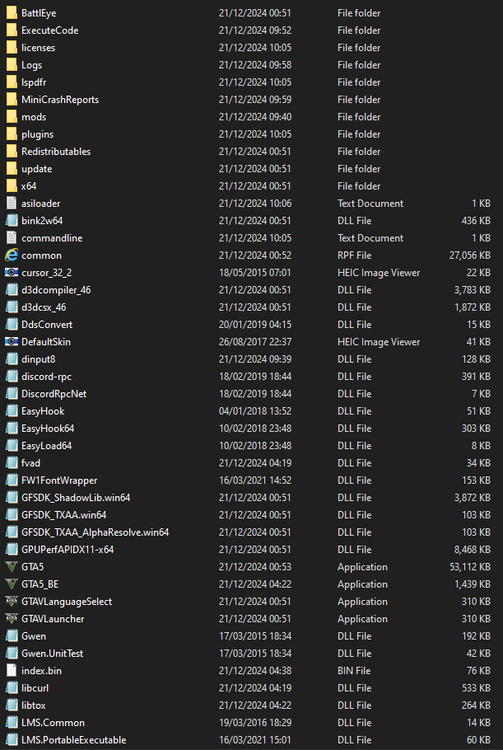
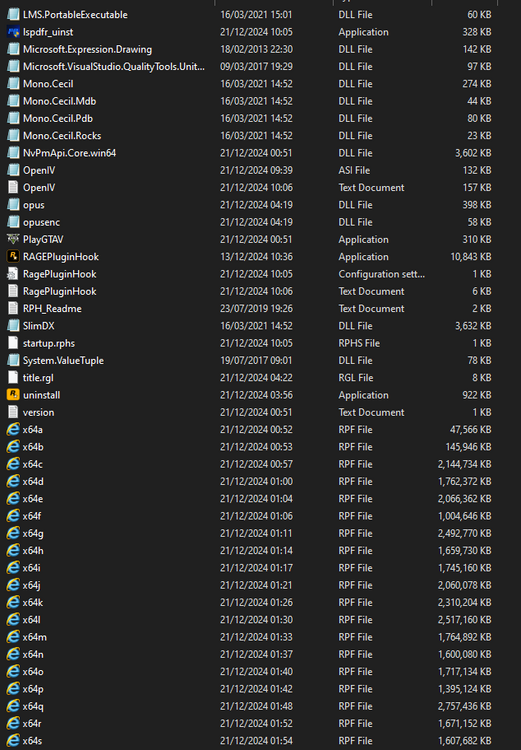
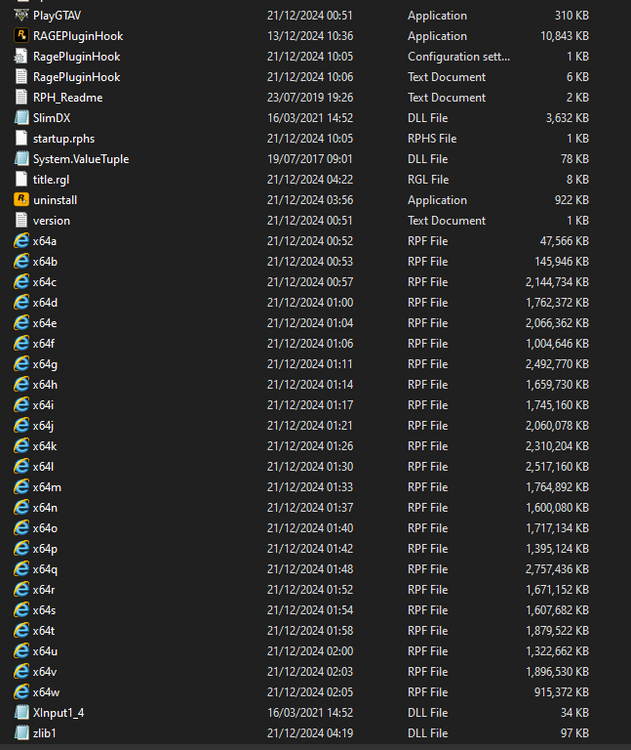
-
I have tried to load it without the mods folder and it works but when I have mods engaged it breaks here is my latest crash report- I am not sure what is causing it I have all the needed software downloaded and have tried everything I can.
-
Here is the crash report- Here is another crash report
-
I accidentally fixed it I just renamed the file again.
-
.thumb.png.f9ce067b4ed336db5f5c8829df2daa23.png) How do I install this?
How do I install this? -
My plugins are failing to load. 😞
-
Ok thx
-
Here is a second crash report And another-
-
Here is the crash report
-
It broke again heres the crash report-
-
Tampered with a package file limiter and heap adjuster.
-
Sorry, forgot to post an update- I resolved accidentaly resolved this myself
-
When I load in it shows the error codes above I will also include a SC of my game files- It didn't load but what it basically said is- [fatal] failed to load backup template I will also send a SC of it in a min



.thumb.png.f9ce067b4ed336db5f5c8829df2daa23.png)
