
superlasagna
Members
-
Joined
-
Last visited
Everything posted by superlasagna
-
The title says pretty much what's happening to me. Tried to reinstall lspdfr and rph but same thing. Help pls
-
Hi, I can't make the menu key to change ingame. It's stuck on F4. I tried to change it in the .ini file to F5 (my preferred key) but in the menu i remains F4 and also ingame. I obviously also changed it in the menu only but it doesn't change. In the last lspdfr update it was working perfectly well but now it won't. I hope you understand and that you will find a solution.
-
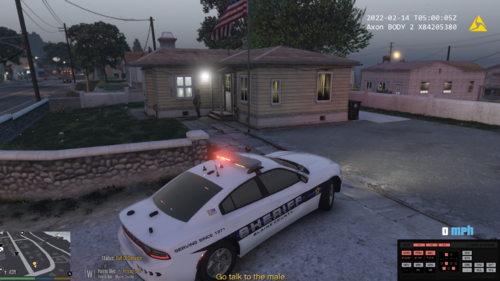 I think it's a typo but the file is named "Peleto callouts" instead of "Paleto callouts". But, otherwise, this mod is incredible!
 -
*** *** *** PROBLEM SOLVED *** *** *** I didn't had the script hook V. Now, all work perfectly fine.
-
I tried it and it didn't work. I checked in the asiloader file and found that the vehicles aren't the problem but the ELS mod doesn't load (if this is what it means). The attached document is the asiloader file. I will search on other forums if other peopole had the same problem as me. asiloader.log
-
My els vehicles load but the emergency lights don't work. I reinstalled the els mod and the vehicles two times. I will keep this updated until it works.