


shageman0304
Members
-
Joined
-
Last visited
Everything posted by shageman0304
-
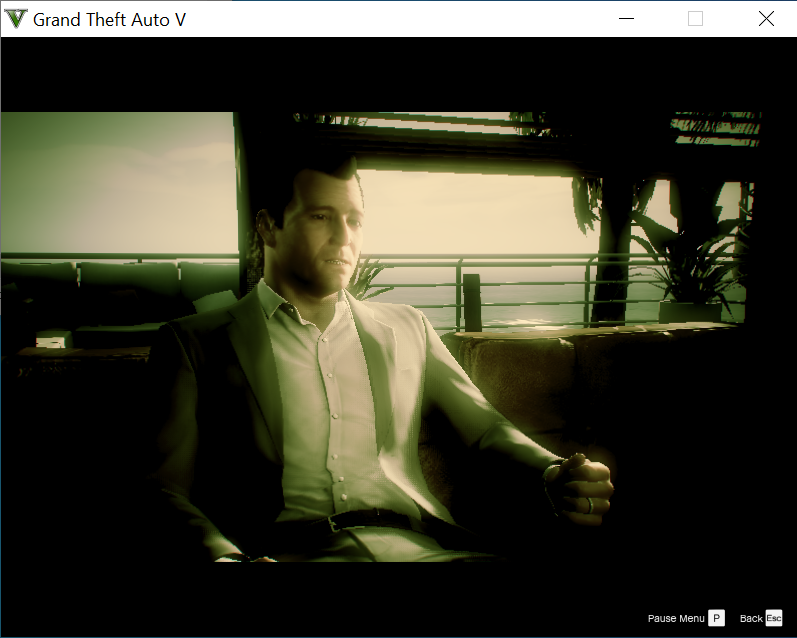
Good day everyone. After the latest GTA V update, my LSPDFR has been having problems. I finally found a recommendation to remove the game and reinstall. I did so (even reinstalled the OS). After that I downloaded the LSPDFR and installed it. I also copied the files in from Script Hook V. So after doing that, I was forced into the 1st mission of GTA V. After I completed the first mission, I keep getting one of the GTAV characters who looks like he is talking to a shrink. Based on some threads, I increased plug in time out to 60,000. I also made sure I am on the newest LSPDFR. Does anybody have an idea of how to fix? I do get the spinning circle which says Loading LSPDFR. And then takes me to the video where the guy is talking to a shrink. RagePluginHook.log
-
I did get this resolved. actually was an issue with TrainerV.asi.
-
So I updated with 2802. Got my RPH, ScriptHookV, gameconfig.xml all with the latest versions. Normally F3 would invoke my Trainer which would allow me to spawn vehicles, etc. Now, I get nothing when I press the F3 key at all. I have created a new mods folder to eliminate that as being the problem. Any advice would be appreciated on what to do next.
