


hyrogt
Members
-
Joined
-
Last visited
Everything posted by hyrogt
-
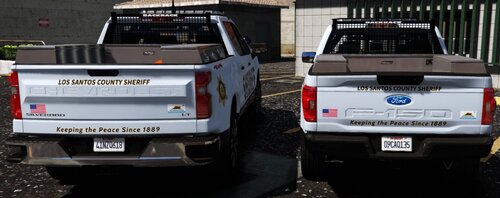 Looks awesome!
 -
These look awesome and great choice of a pack for them to go with! Would you consider making subdivisions like search and rescue etc? And older vehicle models like a 2020 tahoe or 2016 explorer?
-
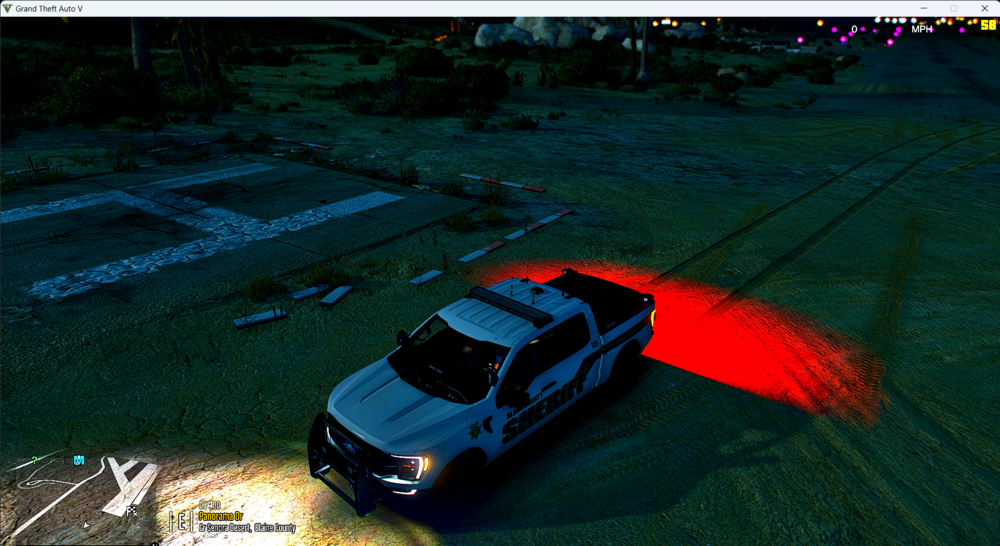
How do I fix this? I want it to be dimmer at night. I have tried the a few settings in visualsettings.dat but it does not change anything. How do I fix this?
-
I have been trying to add k9 unit to special unit backup. For example: I have border patrol k9, by default border patrol is in ultimate backup menu and in special unit.xml. I added one to where it is specifically a k9 unit. However, when I test it out in the game, the dog doesn't spawn even though I have the vehicleset parameter to have a k9. Any suggestions or is it not possible?
-
Is there a way to have k-9 dogs spawn in vehicles when I add them to the "Special Units.xml"? When I think I added them in, I go to the game and spawn the specific backup I added but the dog doesn't spawn. Is it not possible or am I missing something?
-
I am looking to add vehicles to certain locations parked. For example: I have addon vehicles for border patrol and I know that the Los Santos Government Facility is sorta like a parody of homeland security. So I would like to add those vehicles in that parking lot. Is there a way of doing this?
-
Hello, I know it's almost 3 years later but are you still taking requests?

