


Bronx
Members
-
Joined
-
Last visited
-
Currently
Viewing File: Midwest Emergency Solutions - Traffic Vest for Novo Morning Pride V2 Gear
Everything posted by Bronx
-
-
Formerly Flight for Life, Air Methods purchased what is now Lifenet in Mchenry, Illinois. the same bird is used, with registration N587MH, and its identifier being Lifenet 3-1. Flight for Life still operates out of Waukesha, Wisconsin with a similar looking bird, N184WK.
-
-
-
Prairie Grove IL based Grapeseed liveries
-
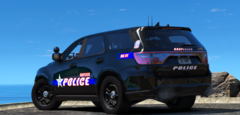
From the album: Prairie Grove Illinois Police
-
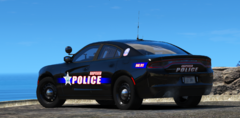
From the album: Prairie Grove Illinois Police
-
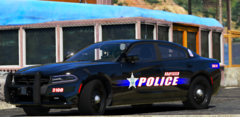
From the album: Prairie Grove Illinois Police
-
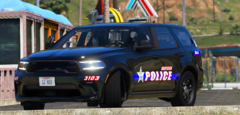
From the album: Prairie Grove Illinois Police
-
-
-
-
-
-
-
-
-
-
-
-
-
-
Ryan Brothers Ambulance is based out of Madison, Wisconsin and have stations in multiple surrounding towns.
-
-


.thumb.png.453ee32dfab711991913e1b04641e408.png)



