

Simply Samps
Members
-
Joined
-
Last visited
Everything posted by Simply Samps
-
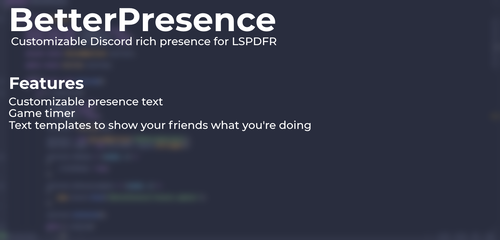 Hey, It still works for me, I had this issue, solved it via: Open the Rockstar Games Launcher, log in (without the game open). Go to settings. Uncheck Discord Rich Presence. Close Rockstar Games Launcher. Relaunch LSPDFR with RagePluginHook (Like you would normally) (may be unrelated but I removed the detection of GTAV on discord for the registered games, Hope this helps!
- 37 comments
- 5 reviews
-
-

- 1
-