chrismacca26
Members
-
Joined
-
Last visited
Everything posted by chrismacca26
-
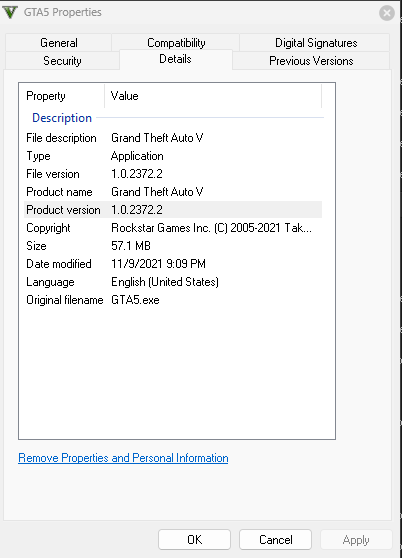
I'm trying to get LSPDFR to work with my legal copy of Grand Theft Auto V that I purchased through Steam. I do have some graphics mods installed although none that would be a sufficient reason for LSPDFR to crash as I've used these mods in the past without issue. I'm using the latest version of RPH, RPH NativeUI, and of course LSPDFR. LSPDFR (v0.4.9): https://www.lcpdfr.com/downloads/gta5mods/g17media/7792-lspd-first-response/ RPH (v1.87.1293.16189): https://ragepluginhook.net/GetDownload.aspx?id=10159 RAGENativeUI (v1.9): Release RAGENativeUI 1.9 · alexguirre/RAGENativeUI · GitHub I've tried starting LSPDFR automatically with RPH, and I also tried to manually load by starting the game and using the "loadplugin" command in the RPH F4 console. RagePluginHook_09122022_160206.log