marcustyler91
Members
-
Joined
-
Last visited
Everything posted by marcustyler91
-
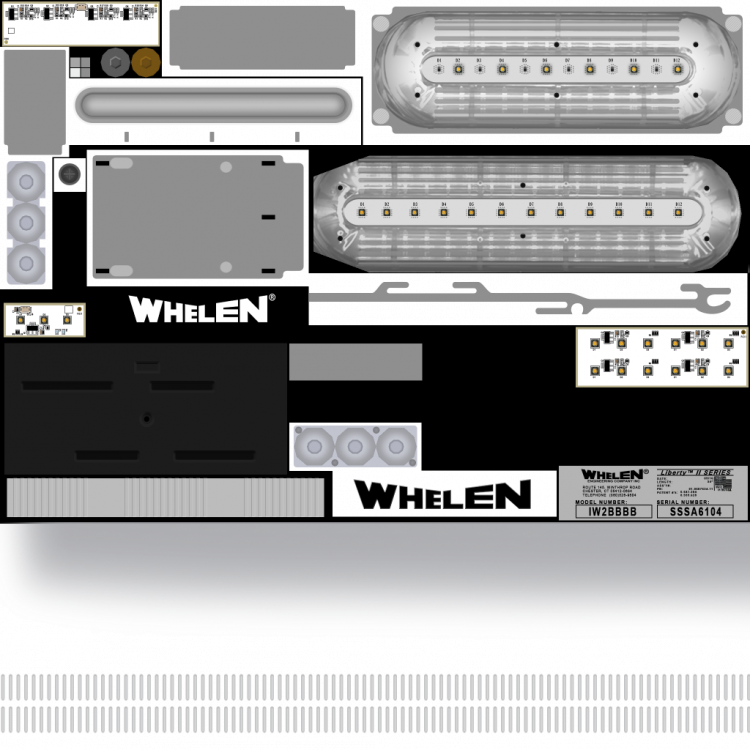
Hello community, I've been trying to figure it out on my own with no avail. I have ripples Legacy 2 sheriff pack and am trying to edit the transparent light bar and its not working whatsoever i would just like to tint the ends of the bar (would think it would be simple) I try editing the "liberty_II_detailing, all im getting is patterns (red,blue,red,blue). any assistance/knowledge would be much appreciated.
-
 following the update, can I still use the same duty belt and vest mods? sometimes I see different equipment for different eup versions
- 2,349 comments
- 238 reviews
-
-
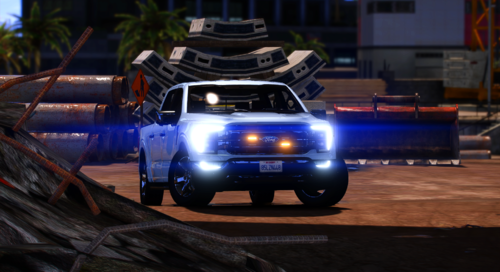 Thank you very much! Keep up the great work my friend
 -
still learning modding, if i change the ambers to blue can it be used as an undercover? or would it be more to it than that? truck is a beaut!
-
-
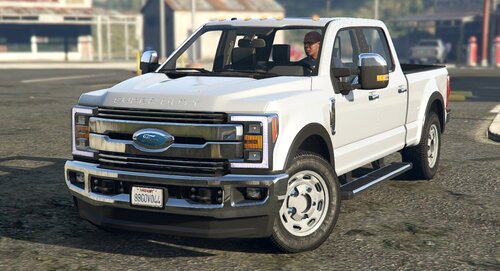 great work, amazing quality! keep on keeping on!
 -
-
-