Skip to content
View in the app

A better way to browse. Learn more.

LCPDFR.com

A full-screen app on your home screen with push notifications, badges and more.

To install this app on iOS and iPadOS
  1. Tap the Share icon in Safari
  2. Scroll the menu and tap Add to Home Screen.
  3. Tap Add in the top-right corner.
To install this app on Android
  1. Tap the 3-dot menu (⋮) in the top-right corner of the browser.
  2. Tap Add to Home screen or Install app.
  3. Confirm by tapping Install.

HyperBlueSmart

Members

Everything posted by HyperBlueSmart

  1. 好的,我瞭解了。不好意思如果我提出不正確訊息給他人了。我只是按照我所知提供建議。 感謝您的修正。
  2. 您好@Junyan。 針對您的問題回答,按照您分享的影片來看,我好像知道要怎麼解決您遇到的問題。警車的「升降桿」要按住「H」按鍵才有辦法把它「升高」或者「下降」。但是您必須記住一個非常重要的要點。您不可以在車輛有移動的時候這麼操作,不然就是不會正常打開。我不確定這個是否能解決您遇到的問題; 我是盡量幫您想一下一個您可以試看看的解決辦法。如果還是不行的話,我會再幫您提供其他的解決辦法您可以試看。 我希望這個可以回答您的問題。 謝謝。
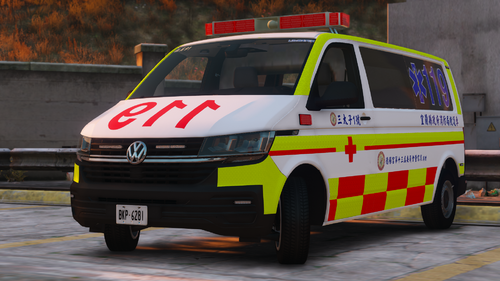
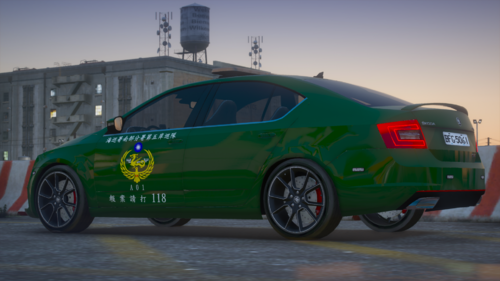
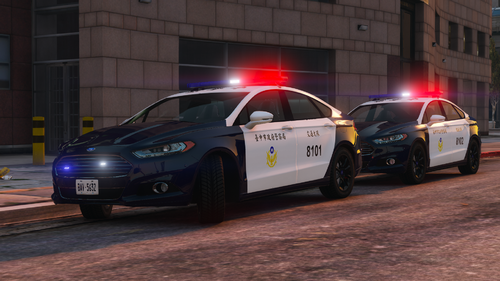
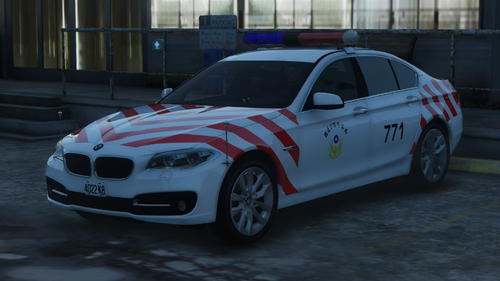
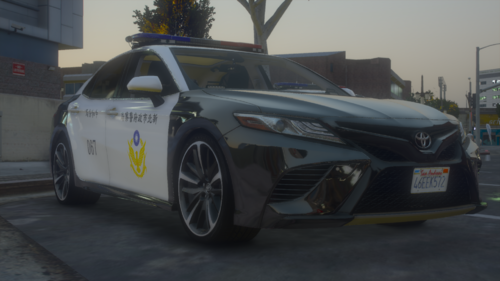
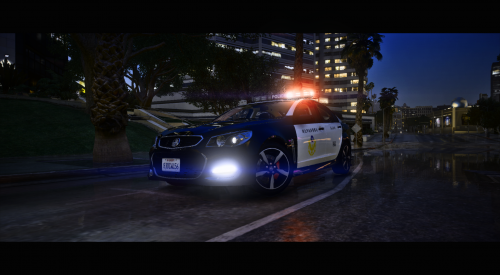
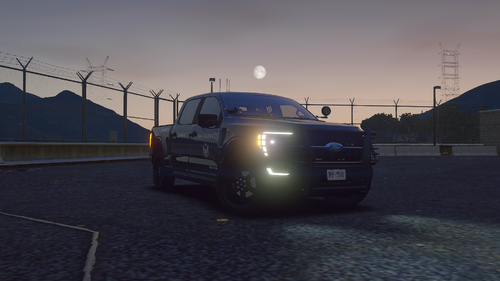
    🇹🇼 Realistic, high-quality, custom-made and excellent Taiwanese livery!
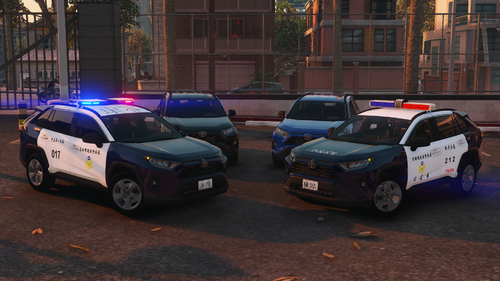
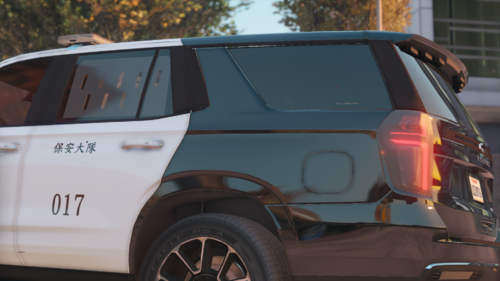
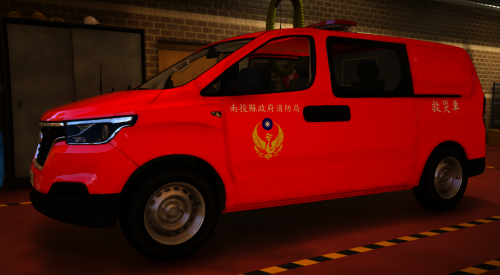
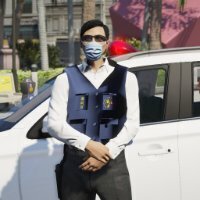
    🇹🇼 Realistic, high-quality, custom-made, and excellent Taiwanese livery!
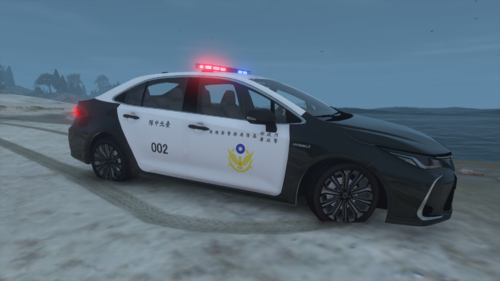
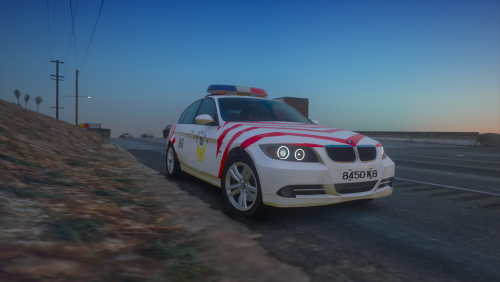
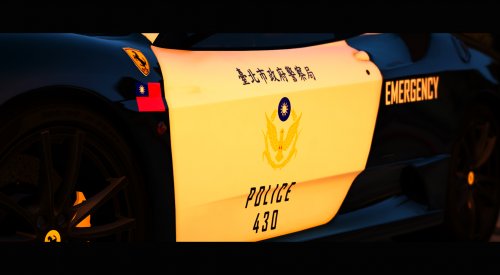
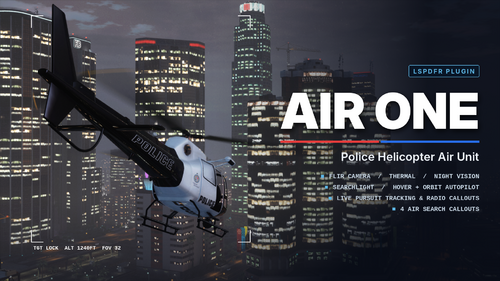
    🇹🇼 Realistic, high-quality, custom-made and excellent Taiwanese livery!
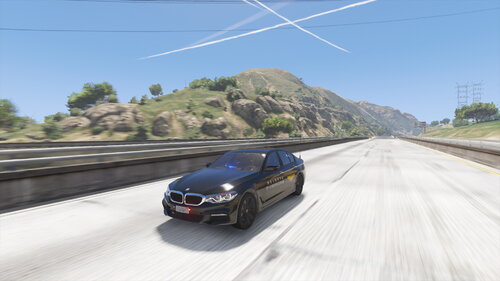
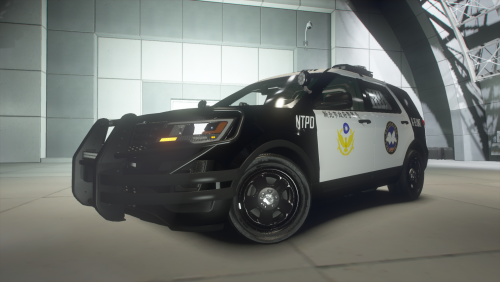
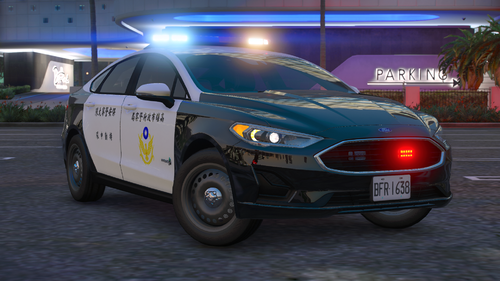
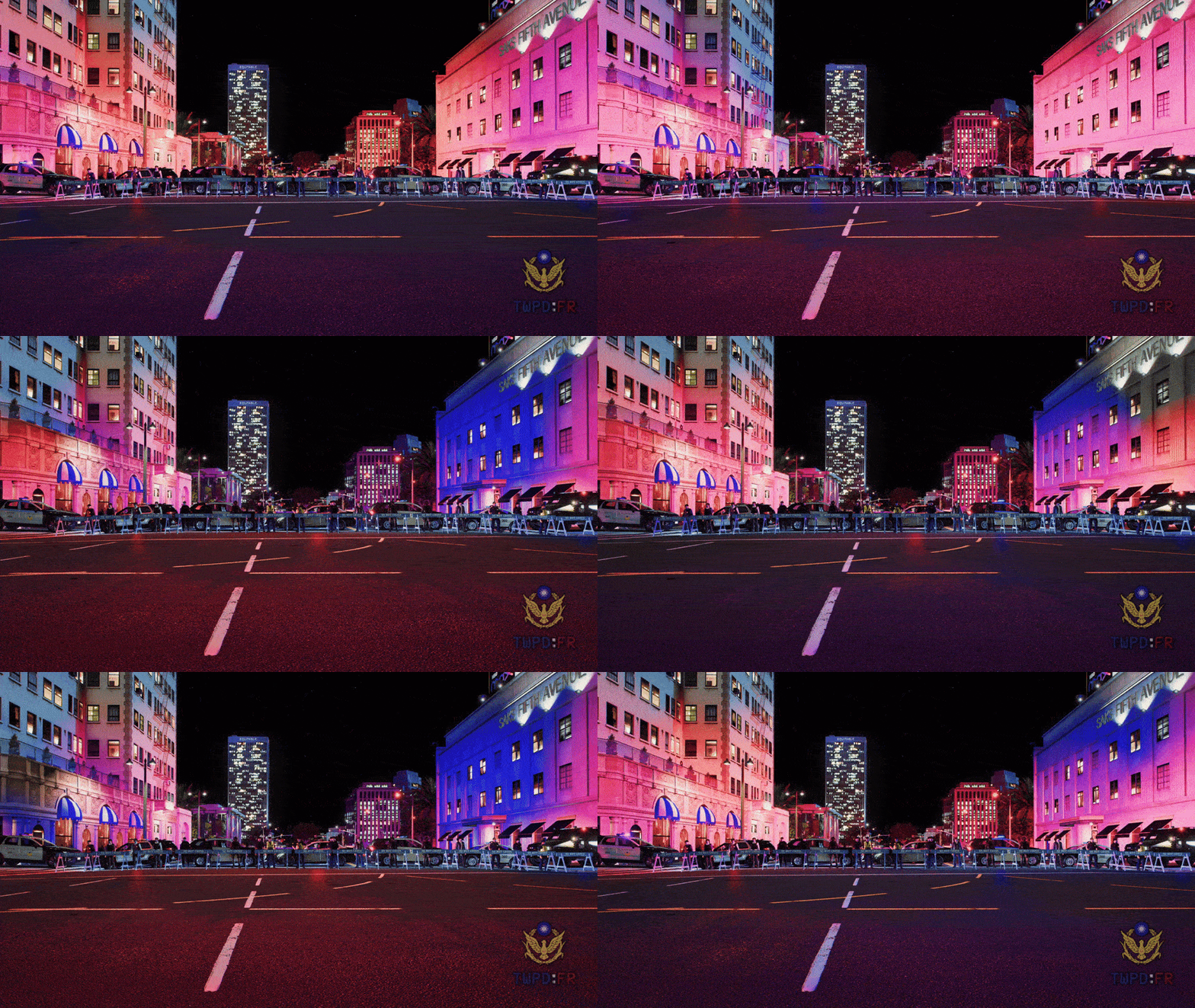
    🇹🇼 Realistic, high-quality, custom-made, and excellent Taiwanese livery!
    🇹🇼 Realistic, high-quality, custom-made, and excellent Taiwanese livery!
    🇹🇼 Realistic, high-quality, custom-made, and excellent Taiwanese livery!
    🇹🇼 Realistic, high-quality, custom-made, and excellent Taiwanese livery!
  3. 👍👏 Good job and nice work! I have always loved the Taiwanese vehicles you make or design because they truly resemble their real-life counterparts. I really appreciate your contributions in making Taiwanese vehicles (whether it is for civilian, police, fire, paramedic, coast guard, etc. purposes) because I have noticed from my own experience(s) and perspective that no one has really made these type of vehicles before and published them to the public for others to download. I am pretty sure these vehicles took A LOT of time to create, especially if they are custom-made and high-quality vehicles. Thanks for your dedicated contributions! 🙂
  4. Greetings @DarKKlusteR. Thanks for sharing out your own perspective and description/details of your personal experience(s) when you performed gameplay(s) to find out what's causing this gun stuck animation glitch issue. I can understand how frustrating it is for you and all of us, who have experienced this type of game-breaking bug/glitch. However, I wanted to point out that you shouldn't randomly say that every single person in this topic is wrong. I am aware this is your own opinion and experience(s) you encountered when playing without LSPD:FR at ALL to prove your own argument or point. All of us were trying to help each other, and we never had the intention to blame random people. We were trying to base our conclusions from potential mods, game content, updates, etc. that could most likely be the main root of this problem. Indeed, it seemed like we were technically "blaming" people or others, but we were creating hypotheses. You can't always expect reaching an accurate, definitive answer to all problem(s) immediately, if you don't create a basic inference, where evidence is none to limited. This is how you can actually start off digging further into investigation of a problem. Don't take me wrong; you can always say someone is wrong because it's how you view something differently from others. Additionally, you should refer to my last post in this topic. I even explicitly mentioned that it is based on my own theories, and no judgment is intended. Regardless of this, your personal experience(s) and sharings about your own tests with this problem also helps everyone involved, so we can all work together to find a solution. Of course, if a solution is found, it MIGHT only work for a few. I just wanted to point out these things, so everything is clear and not misunderstood. I hope this helps understanding the reason(s) for all of this. Thanks.
  5. Hey there @SgtNelsonUSMC. I want to thank you for pointing out this possible solution. For some mysterious magical reason, my gun stuck animation issue has not been happening after I removed both scripts called "MessageBoards" and the folder for the dlcpacks named "boardpack", which are part of the MessageBoards plugin created by Venoxity. When I removed the plugin ENTIRELY (literally uninstalling everything related to the plugin), my issue has not been replicating since then. I never expected this plugin could possibly be the "main root" of this problem. Of course, this ONLY solved the problem for me temporarily, as I might need to perform more gameplay tests. Yet, whether this plugin affected others and caused this problem as well, it is something I can't confirm. However, from what has happened so far related to this problem as a whole, I can a draw a few conclusions (TL;DR): 1. There might be a high chance that OUTDATED plugins, scripts, or any content that is "additional" a.k.a. mods could be the cause of this problem. Based on what people have experienced so far with this issue, it has happened to individual(s) with or without MODS. Therefore, it can't be 100% confirmed that this problem is only related MODS, but some kind of incompatibilities with functions or tasks that affect the game environment or engine overall. I am not really sure about this, so don't think I am here assuming this is caused because of mods only. 2. If we think about this from a non-modded game perspective, how could this happen even without mods? A very simple answer could be R* updates itself. Since the Christmas update last year, I think there has been a trend related to lots of people reporting this particular issue. 3. This could be unlikely, but could there be a chance that it is not the game itself but something related to the Operating System (OS), or basically Windows could have had some kind of interference with this? I know it sounds vague and ridiculous, but if you think in a broader perspective, there could be a slight chance that Windows updates or computer functionalities (algorithms) could cause this game-breaking glitch. I think this might be a reason because GTA V is more than a decade ago game that has been receiving constant updates indeed, but some functions might have stopped working or became oudated due to new updates that have changed how our PCs process information and data. This is just my theory. ^ Note: Everything stated above is based on my own opinion and theories. No judgment or bias is intended in any of the conclusions. Thanks.
  6. Greetings @SgtNelsonUSMC. Are you talking about the script/mod called MessageBoards created by Venoxity? If so, I can tell you that I already tried removing the script files for the mod located under scripts, but I haven't removed the actual .rpf file in a folder for the mod called boardpack and not loading it through the dlclist.xml file. I might try doing this, as you mentioned it stopped the gun stuck animation glitch for you. Thanks for your suggestion, but I want to also point out that this glitch happens so randomly and differently to each individual that it is not easy to tell what could be considered the "main root" of this problem.
  7. Good afternoon, @icanhardlymodgtav. Most likely, it is not Euphoria Overhaul Mod or a Weapon Gun Sound Mod. I believe it might be something else related to the latest Rockstar Games' Christmas update. I am not sure, but it's very strange to see many people having this issue, no matter their circumstances; whether it is a modded or non-modded game. Yet, I can say that a non-modded game gives you less chances of having this gun stuck animation issue, from what I believe. However, what's very weird is how many people started to complain (including myself) about this issue after R* Christmas update came out last year. I think R* changed something in the game code or files that caused this problem, or it is just pure coincidence. Hope this helps you! A solution might be found sooner or later, but I can't assure you that I can do that right now.
  8. Good afternoon @JammyRoo92. I did not expect you to also make further research on this problem. To answer your question, unfortunately I do not have custom_maps installed in my dlcpacks. However, I am not sure if I have any other YMAPs installed. I think I will check and let you know about any YMAPs I have when I have time since I have been very busy lately. I will reply to you once I get time to recheck my game and everything. Have a great day. Thanks.
  9. Hey, @JammyRoo92. I just found out it is most likely NOT related to mods. The reason why is because I already made many gameplay tests without MODS, and the issue did NOT happen. When I did NOT install LSPD:FR, but ONLY MODS, the issue did NOT happen either. Therefore, I believe it is a plugin NOT with LSPD:FR, but with Rage Plugin Hook (RPH). It is not the plugins inside LSPD:FR a.k.a. Callouts, etc. because I already removed all my callouts or plugins inside my LSPD:FR, and the problem was still persisting or happening. Hence, I think it was plugins from RPH. I tried turning off plugins from RPH one by one, and making long gameplay tests to see if the issue was still there. I think the issue did NOT happen often after I turned off certain plugins of RPH. From my findings, I believe it could be Cop Holster, Immersive Effects or Hydroplanning. I know these plugins aren't related to weapons, as this issue is related to weapons. But the strange thing is that when I turned off these plugins from RPH, my issue hasn't been replicated or happened so far. This is my temporary solution or fix for you and perhaps others, but I will make more tests and discoveries along the way to make a "confirmatory, final" conclusion, as I can't be 100% sure if this is what's causing the gun stuck animation issue. However, I can tell you that it is NOT game-related, and it could be a combination of factors that lead to this issue for all of us that have/had it. I would like to also point out that I personally contacted with the creator of 5Real or LA Revo, Armani, through his Adnrstudio Discord Server by making a support ticket about this gun stuck animation issue. I gave him detailed information about my own issue that is the same one as in the video from @XCSLX to him (credits to @XCSLX for the video), and explained to him if he knew about this problem, or if he believed that it could be related to his mod because this mod DOES replace weapons.meta, weaponcomponents.meta, etc. game files that are related to weapons. He already gave me some possible solutions, but I think the following one was very important: Armani said the following to me, "It may be some addition to lspdfr which only some people install but is not required, meaning is not in base files of lspdfr Or some exact scenario such a specifi lspdfr task, meaning it appear only when player start that task" I am pointing this out to let everyone know that 5Real or LA Revo is 100% not related to this gun stuck animation issue because I used this mod along with LSPD:FR for realism. From my previous post, I can confirm you that both LA Revo or 5Real and NVE are the not the main causes of this gun stuck animation glitch. Hope this helps you! Note: I can't be 100% sure of everything mentioned here, so just take this as an advice or reference.
  10. Greetings @XCSLX. I have good news because I think I found out the root issue or problem that's causing this glitch or bug. Yes, I did a whole MODS reinstall, too. I did it 3 times because I attempted to test every possible mod that had the high chance of becoming the main cause of issue. From my findings, I think there's a high chance that NaturalVision Evolved (NVE) has had recent compatibility issues with R* updates (game files) or LSPD:FR, in particular. I don't know if this is the real cause, but I took many days to just figure out how to fix this single problem we have because every time I did a MODS reinstall, I always had the problem as well. However, when I did NOT install NVE, the stuck in taking out gun animation issue seem to be gone. I did perform plenty of gameplay tests, and it has not replicated so far. I am not sure if you have NVE installed, but if you do I recommend you making a whole game reinstallation once again, and try to not install NVE this time while you have everything else installed, such as LSPD:FR, etc. I believe the issue is very "specific" because most of the time it only occurred while on-duty for LSPD:FR and not off-duty. Hence, I mentioned previously that NVE + LSPD:FR could have compatibility issues. This is strange because I have 5Real (LA Revo) installed, too. Nevertheless, I found out that NVE replaces some of the game files for weapons, and that might be why this issue happens. Despite everything said, I can't be sure if this is the reason because as I said in my previous reply, it also happened to other people who didn't have MODS installed. Hope it helps you! Happy New Year 2025! Edit: I confirmed it. This doesn't solve the problem.
  11. Hello @DoctorRice. I ultimately decided to reinstall my game from scratch, and add the essential modded files I had from my previous GTA V directory (the one with the stuck in taking out gun animation issue) one by one to the clean installation. I wanted to redo everything anyways because my game probably had issues since I had the same installation for 2 years+ (unrelated to the issue of this post). Anyways, I found out that after installing everything again, my issue happened again, just like @XCSLX mentioned before when he performed a MODS reinstall and had the issue happening again. Additionally, I want to mention that after thinking for a while, I think this issue is game-related, not LSPD:FR related. The reason for my inference is due to the fact that this issue has happened even without having LSPD:FR installed to others. However, this is my biggest question. Why did it also happen to people who didn't install any MODS or LSPD:FR? This would become a very strange glitch then. It is a very random glitch that it is very hard to tell what's causing it. I didn't have any further findings that were useful to solve this problem.

Account

Navigation

Search

Search

Configure browser push notifications

Chrome (Android)
  1. Tap the lock icon next to the address bar.
  2. Tap Permissions → Notifications.
  3. Adjust your preference.
Chrome (Desktop)
  1. Click the padlock icon in the address bar.
  2. Select Site settings.
  3. Find Notifications and adjust your preference.