
guynamedLUBO
Members
-
Joined
-
Last visited
Everything posted by guynamedLUBO
-
Hey Camb! Thanks for your reply. I already tried most of your steps, instead of downgrading textures i tied to delete all custom vehicle files from mods folder and problem persists, i have updated all of the adjusters for modded GTA V and still the same issue on certain spots on the map. If i drive close to the missing textures or far from them they will show again, this is a very strange bug and I don't know what to do...
-
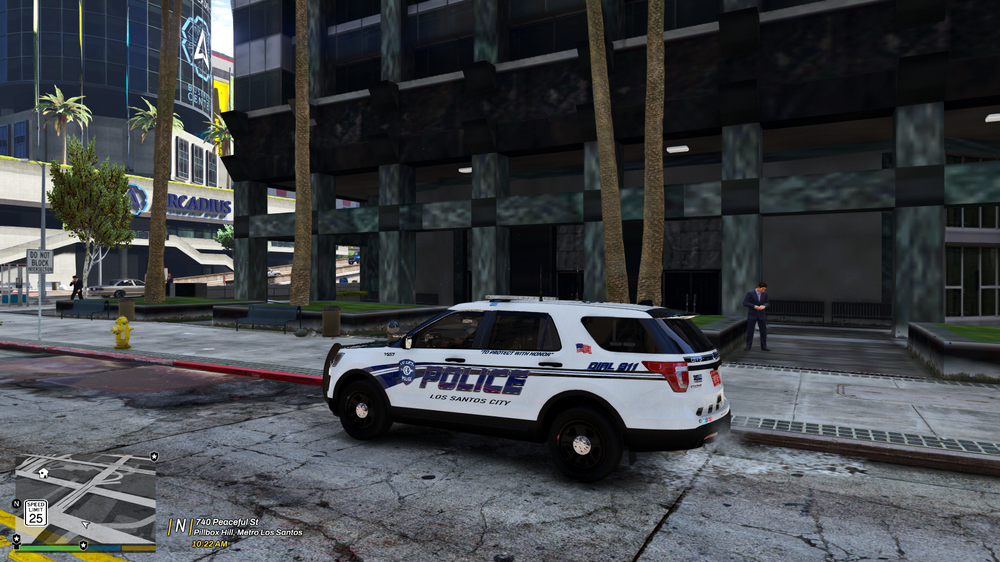
Hello everyone ! In the last few days I have encountered a very strange problem that appeared very suddenly in my game while usin LSPDFR. As you can see in the photos I have provided below, in certain places in Los Santos, textures are not loading properly when i ride in certain spot and there are missing objects too. I am not new to LSPDFR so I have all the necessary settings set correctly, i also have the graphics settings set at Ultra, I use Config, and all the limiters necessary for the smooth running of the game, as well as my hardware is very powerful. What's interesting is that it only appears around Maze Bank, I haven't noticed it anywhere else on the map yet. It also only appears if I turn on LSPDFR, when I'm not off duty this problem doesn't appear. Has anyone encountered anything like this? I use only Lively World Expansion and VisualV with Reshade for graphic modifications. and I never encountered this, I will appreciate every bit of advice. Thanks and have a great day! Without a bug: https://imgur.com/a/iJdBaR7 With a bug: https://imgur.com/a/yKUiMDi Building in distance: https://imgur.com/a/sqO4E66 CPU: Intel Core Ultra 7 265K GPU: Nvidia RTX 5070 Ti RAM: 64 GB DDR5 (All Settings on Ultra, using all requirements possible)