.png.b5386f7a38bb592d7fa7b1a6619d9f9c.png)
larryjustus
Members
-
Joined
-
Last visited
Everything posted by larryjustus
-
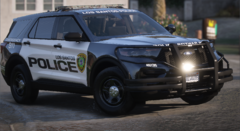
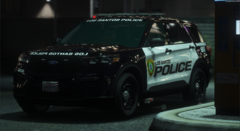
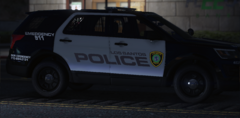
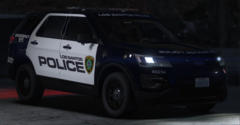
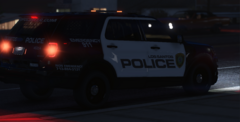
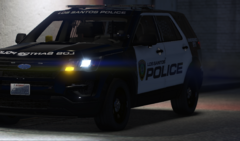
Awesome paint schemes, I also saw the Pearland and others you did they're also awesome. I worked for Harris County S.O. and Galveston County S.O, for over 30 years so I'm around these agencies all the time. If you get a chance work on a Fort Bend County S.O, and a Sugarland Police schemes. If I get a chance where I'm not so busy with work I'll try and learn how to do these so I can design a Montgomery County S.O and League City police. Excellent job on the ones you did, keep it up.
-
 Sounds interesting, I am going to try this out right now with Stop the Ped. I will come back here and let you know how it goes.
- 7 comments
- 1 review
-
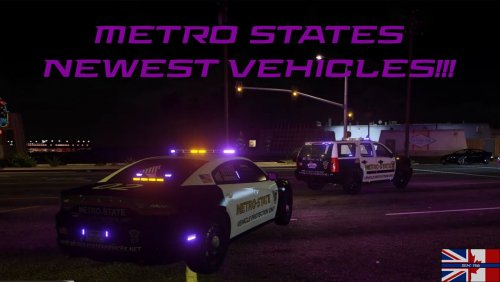 WOW!! Jeremy Dewitt, immortalized in LSPDFR. The Fuc# Boy lives on, lol.
 -
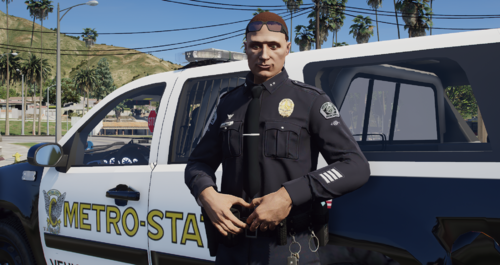 Statute 417 dash 32 says that I am allowed to have these lights sergeant, I need to speak to your lieutenant, sergeant. LOL !! wow, you need his tow truck service and EMS ambulances also.
 -
 I have the same issue. I just spawn a different vehicle and it goes away then I can play with no problems but it's still annoying. Earlier it told me that I have "SPAWN COMPUTER IN VEHICLE" enabled but when I go into menu (F3) I can't find that wording or anything close to it anywhere in order to disable it. The computer is attached to the vehicle and can only be moved left or right with keys "A" & "D". If anyone knows how to disable this spawn.
- 707 comments
- 33 reviews
-
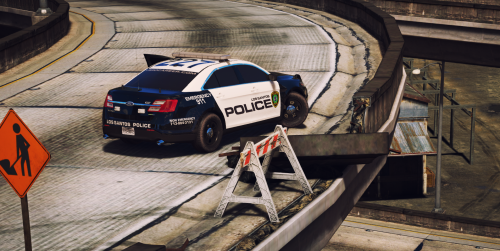 These look amazing, I live in Houston / Galveston area right now but used to live in Harris County Pct #5 near Hwy 6 and Katy Freeway. Cant wait for December 20th when these are ready
- 51 comments
- 13 reviews
-
 These look amazing, I live in Houston / Galveston area right now but used to live in Harris County Pct #5 near Hwy 6 and Katy Freeway. Cant wait for December 20th when these are ready.
 -
.thumb.png.4bcccb82f2a4f949589d32ee9c6e82fe.png)