mastongamers
Members
-
Joined
-
Last visited
Everything posted by mastongamers
-
Ok I have found a solution. The fix I did was to install the mods onto the GTA Folder in which you installed GTA in. NOT the one you copy and Pasted as a backup. After you do that it should work fine.

-
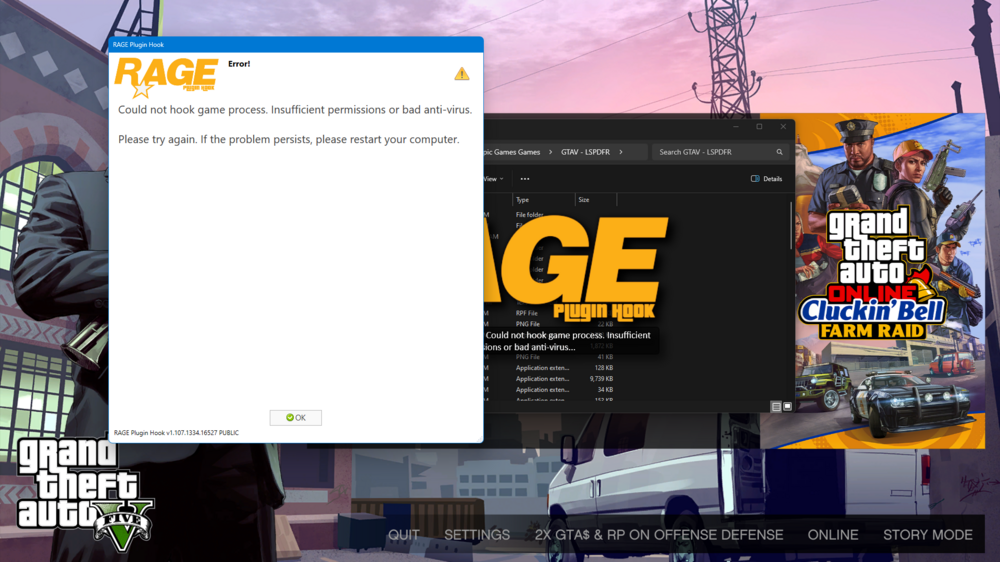
I've been having trouble hooking rage to my game. I tried giving it elevated permissions didn't work. Restarted my computer that also didn't work. And finally my anti virus is just normal windows defender and it doesn't seem to block anything. The only thing I can note is that I downgraded my GTA V exe files so I can hook it since rage wouldn't hook for the version that I was on
-
I don't have RPH injecting at all into GTAV so I can't use the console I have the epic games Version of GTAV so I can't launch GTA by only Starting up RPH it gets stuck RagePluginHookLauncher.log
-
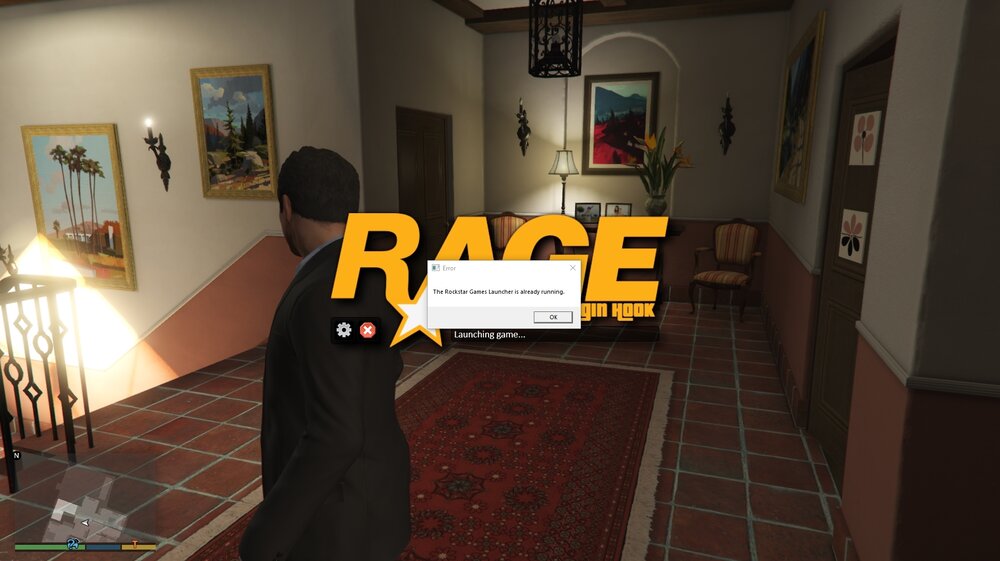
So I have a Epic games launcher and I started up GTA and went into story mode and then opened up RPH but when it gets to the launching game part It's stuck there and says a message of the Rockstar Games launcher is already running.
-
Ok so I think figured out what happened My game needed to be reinstalled because it was not fully updated but my launcher (Epic games) didn't see any updates so it did not update GTA at all. Also make sure you're not just copy and pasting the Same GTA V folder because that can also lead you to where I was having a not so slightly version where you can still play online with other lads and see nothing wrong with it. But where RPH won't accept that version of GTA.
-
I don't have the ability to Update it and or check for updates on Epic just click auto update and or verify files. I tried Verifying my files but that didn't work for me RPH says I need 2699.16 and the installed version I have is 2699.0. Ima try Reinstalling GTA5 to see if that works.
-
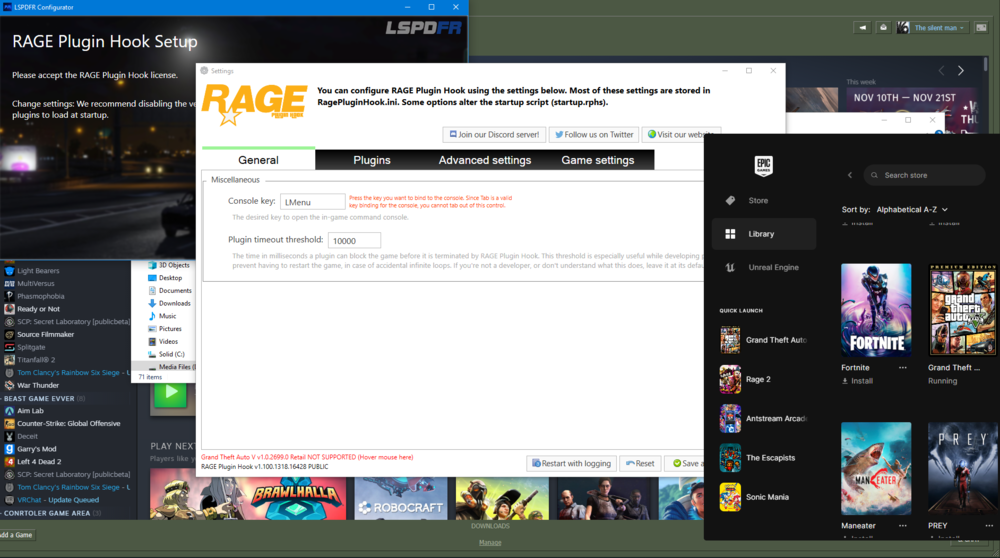
Hi my RPH I downloaded from the setup says my GTAV Version is outdated even though I played Online Yesterday and Copied that file so it should be the exact same but it still does not work