Honeycomb
Members
-
Joined
-
Last visited
Everything posted by Honeycomb
-
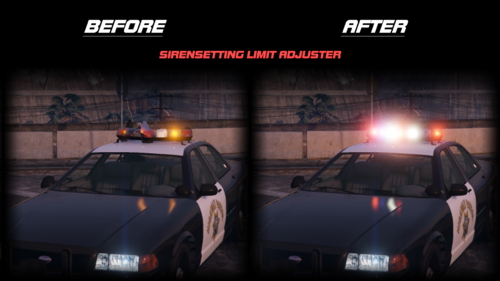 is it just drag and drop into the server files, like in Root, or does it need to be somewhere else?
 -
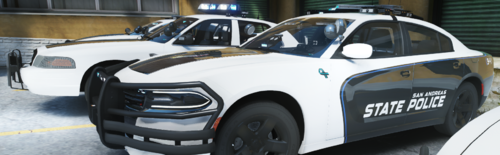 okay thank you
 -
nvm i done it question, is there a tutorial on how you managed to configure them into working with LVC fivemserversided?
-
would i need server sided sierens and sounds?
-
Is there a link to a showcase of the fire sounds? and is there any tutorial because the lvc not working when added the sirens and the meta.
-
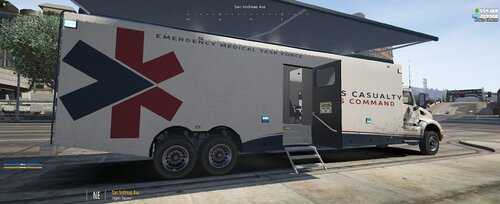 Is there a SASP livery?
 -
-
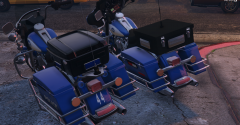 Will this be availiable to download?
 -