Skip to content
View in the app

A better way to browse. Learn more.

LCPDFR.com

A full-screen app on your home screen with push notifications, badges and more.

To install this app on iOS and iPadOS
  1. Tap the Share icon in Safari
  2. Scroll the menu and tap Add to Home Screen.
  3. Tap Add in the top-right corner.
To install this app on Android
  1. Tap the 3-dot menu (⋮) in the top-right corner of the browser.
  2. Tap Add to Home screen or Install app.
  3. Confirm by tapping Install.

Veljko19

Members
  • Joined

  • Last visited

Everything posted by Veljko19

  1. Yeah chatgpt figured it out, but I just uninstalled the tag callouts that needed it.
  2. Hello, I installed a few plugins and vehicles, it all works fine until I go on duty in the locker for the first time, LSPDFR crashes, game doesnt, idk what to do, people said it was the CompuLite, I reinstalled it and the same thing happens, help please. RagePluginHook.log Updated RageNativeUI to the latest, still crashes. RagePluginHook.log
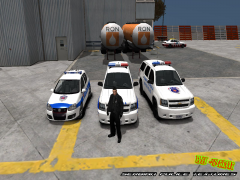
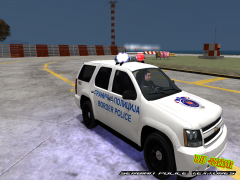
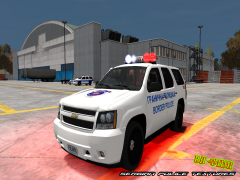
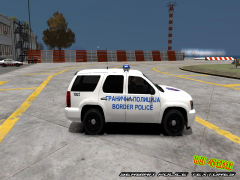
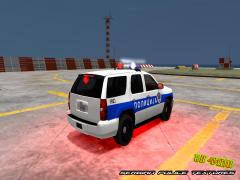
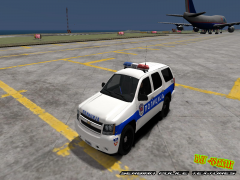
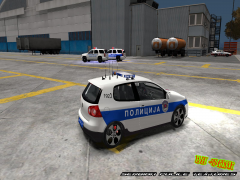
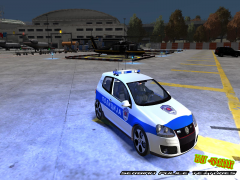
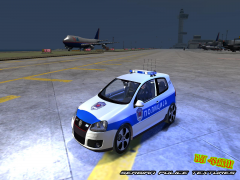
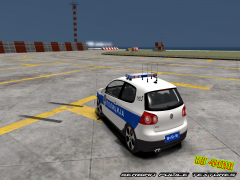
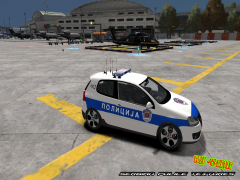
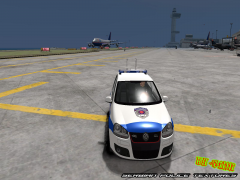
  3. Veljko19 commented on Dimi's gallery album in GTA IV Galleries
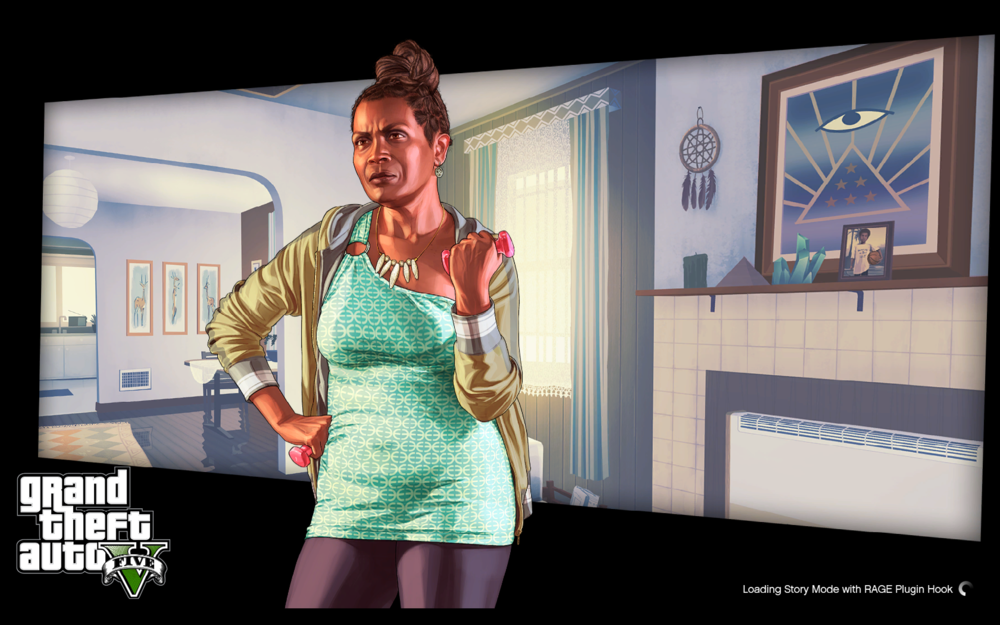
  4. Hello! I need help with my LSPDFR. It's stuck on loading screen. Not frozen just loading forever, Here is a picture My version is Epic Games and I downloaded it by tutorial of LSPDFR site.
Account

Navigation

Search

Search

Configure browser push notifications

Chrome (Android)
  1. Tap the lock icon next to the address bar.
  2. Tap Permissions → Notifications.
  3. Adjust your preference.
Chrome (Desktop)
  1. Click the padlock icon in the address bar.
  2. Select Site settings.
  3. Find Notifications and adjust your preference.