TrooperWoods
Members
-
Joined
-
Last visited
Everything posted by TrooperWoods
-
-
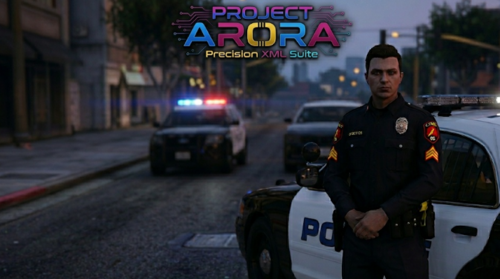 The mod is great; however, there are some issues and suggestions. For starters, the main issues I've run into is it feels the menus can be crowded or difficult to understand or read through. It feels like the menu gives us a lot to navigate through instead of something simple. The other thing is that I am unable to see where my new vehicles have actually been added to. I understand the fleet is where I can find this, but navigating to find it can be an issue or just tedious. As for suggestions, I feel the ability to add partners to my UB and liveries, as well as modifications like extras and whatnot, would be revolutionary to this mod. Instead, when I add a vehicle, it doesn't add a partner to it or add the correct livery sometimes, I'd have to go to Default regions in my ultimate backup to do these things manually.
 -
-
My RPH is saying that I have bad anti virus or insufficent permissions I've gone to RPH discord and got little to no help I've done everything in there faq and nothing has worked this hasn't been a problem in the past so idk what the issue is I can't even get into normal gta any advice?