


FLDJF713
Members
-
Joined
-
Last visited
Everything posted by FLDJF713
-
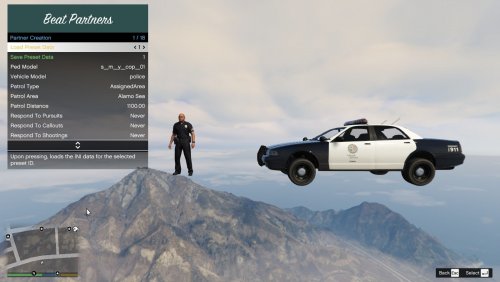 1: I've got into shootings and my units still only show up code 2. Upon arriving on scene, they will THEN activate their lights and get out. Unsure if there is any correlation with Ultimate Backup causing that behavior? 2: Can you further describe the method to specifically have the Beat Partners as backup? I see the key option in the settings, but I haven't been able to get it to trigger no matter what. I'd prefer using them over Ultimate Backup. 3: Regarding the units joining a callout, you may be able to dive into Ultimate Backup's code with permission. Note that if you put a user-set waypoint on the map and request ANY units from UB, it will send the units to that defined area over your own location. I often do that if a robbery is in progress so other units arrive with me rather than after me.
 -
I was playing LSPDFR with no issues, then I ended my session and went to install the Kifflom replacement audio mod. Installed it via the OVI installer. Booted back up after that sole change and now my game has insane texture loss throughout. https://imgur.com/a/pEljNBX Any ideas as to what is going on here? I can disable my mods folder and it fixes it, but I have no clue what else could have been damaged in my mods folder to cause this.
