
Nitori Kawashiro
Members
-
Joined
-
Last visited
Everything posted by Nitori Kawashiro
-
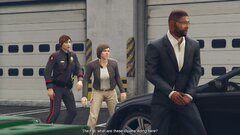
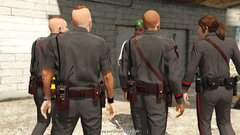
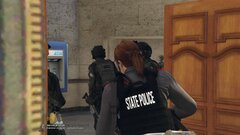
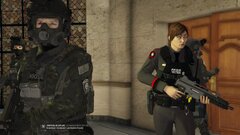
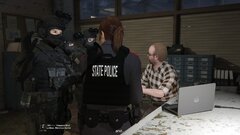
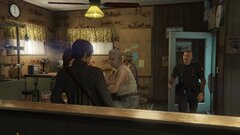
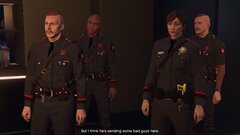
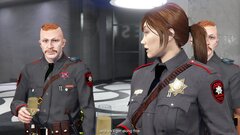
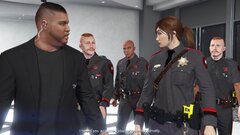
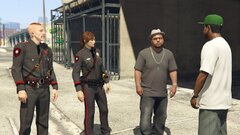
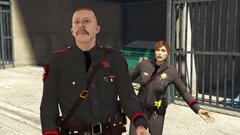
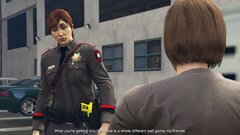
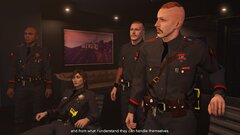
By no means I don't own whatever shown including police cars, outfits, EUP and etc, all goes to their respective owners. Rhode Island State Police EUP: TrpCharles
-
 20251230113235_1.jpg
-
 20251230113830_1.jpg
-
 20251231040903_1.jpg
-
 20251231041019_1.jpg
-
 20251231041021_1.jpg
-
 20251231041307_1.jpg
-
 20251230113624_1.jpg
-
 20251230113630_1.jpg
-
 20251230113657_1.jpg
-
 20251230113711_1.jpg
-
 20251230114956_1.jpg
-
 20251230120820_1.jpg
-
 20251230121005_1.jpg
-
 20251230120924_1.jpg
-
 20251230113531_1.jpg
-
 20251230113549_1.jpg
-
 20251230113603_1.jpg
-
 20251230110552_1.jpg
-
 20251230114839_1.jpg
-
 20251230114857_1.jpg
-
-
-
-
-
-
-
-
-
-
-
-
-
-
-
-
-
-
-
-
-
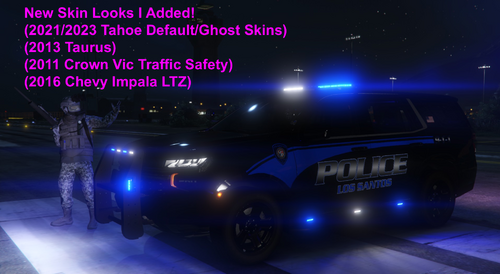 Thanks lol I live in Cranston as well right close to Roger Williams Park! Sorry for the half assed skins on this I really tried my best to replicate it as best as I could since this inspiration came from HotBaggaMilk on this site when I first saw it and so I thought I'd try to recreate my own doing while sticking to the Los Santos lore but I'm glad you like it! (I apologize for not replying sooner since I was not active 2-3 days ago)
 -
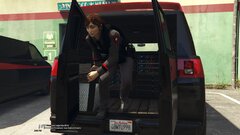
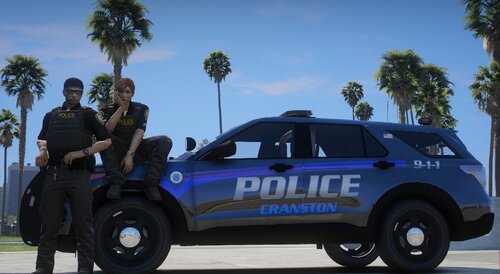
I was gonna make an EUP out of this too but I just scratched that idea so I got no more plans to update this skin unless there's some errors that I gotta fix if someone points them out. Took me a couple hours to finish this. I'll make a EUP after this but for right now I need a break from making police car skins since I'm burnt out so probably in another couple days I will go back finish them. I still gotta rework on my Providence skins that was made for the FPIU 20/16 or 18 from last year since I'm missing a slight detail and I'm also adding a new skin for the 2011 Crown Vic and 2016 Chevy Impala to update it once I get the chance I will still work on the Highway Patrol skins that I haven't updated yet but I got some of them done. Afterwards, I'm gonna make a Rhode Island sheriff version that is pretty easy for me to make after I finish the last 2. I guess since this is one of my most 2nd downloaded file in general, I will drop this update of new skins!) (I will keep the old files in incase you don't like my new ones and no changes have been made with the sirens, I still gotta learn how to loop them though which I tried last year) Basic Terms/Agreements that you should already seen many times! (You're not allowed to rip my skins off and reupload them here or any other sites!) (You're allowed to edit the textures to see how you see fit into your game) (Main Update from December) I didn't really like the old one so I decided to make it look better as best I could with the knowledge I have) My skins fit these police models creators respectfully! Blue lighting textures: Chevy Tahoe 2023 Chevy Tahoe 2021 2013 Taurus 2016 Chevrolet Impala ------------------------------- Based of Also RIP to this Tahoe, It just recently gotten into an accident 2 weeks ago by a driver who didn't yield while the officer was responding with his lights/sirens (January 31th 2026) :/ such a nice addition to the fleet and back in November of last year (2025) they recently did a stealth K9 variant, managed to see them around a couple times here in my city.
-
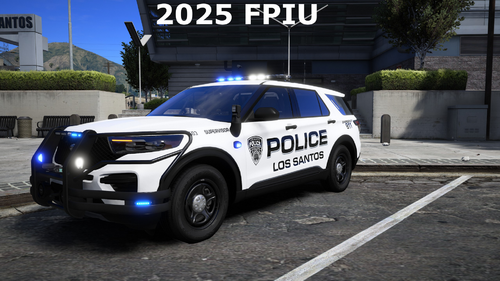 Being from Rhode Island myself, these are pretty nice!
 -
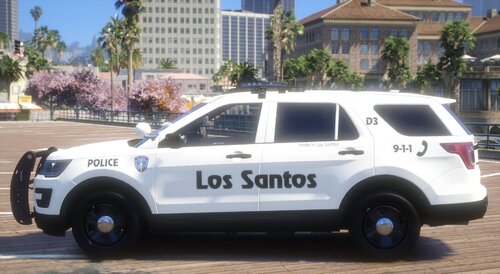 This is from one of my private collection that I made from scratch but I decided to release it, I initially was going to make the FPIU 2014-(The actual Providence Police/Los Santos Version) but since there wasn't really any good ones that I could find I decided to scratch that off my list.
 -
 From Squad21Photography Preview Audio in game incase before you wanna download it. From what I know I don't exactly know the full siren model name but looks like Whelen C tones. Edit: The reason why it doesn't loop normally is because the video I got it from was very tricky for me to edit and having to use Audacity to make it fit as best I could, I already did some test runs with the sirens alone but this seems to fit better in my opinion but also you can trim it yourself as you see fit.