JoeyCr2o3
Members
-
Joined
-
Last visited
Everything posted by JoeyCr2o3
-
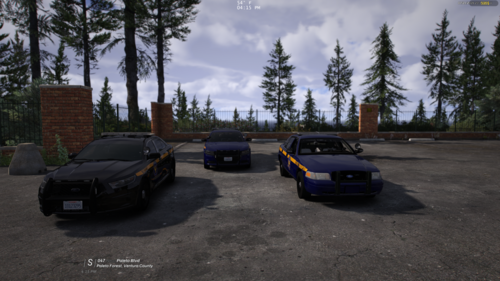 https://www.instagram.com/p/DN6N9OPEdPt/
 -
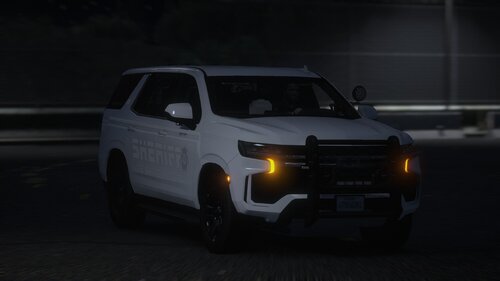
yes to the fpiu and the Tahoe and for the charger that's a great idea
-
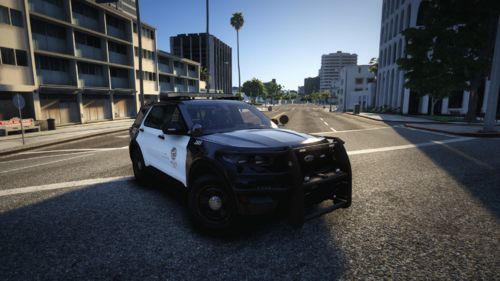
i like them can u add 2020 fpiu and slicktop for all that would be nice plz i think u should do the charger rear pattern like the vic and the fpis
-
-
-
 still flashing chrome
 -
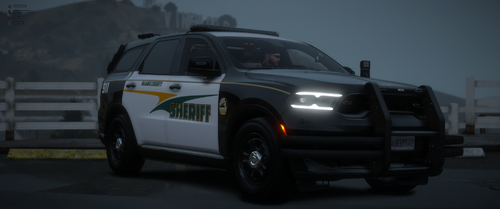
the durango wigwag is chrome
-
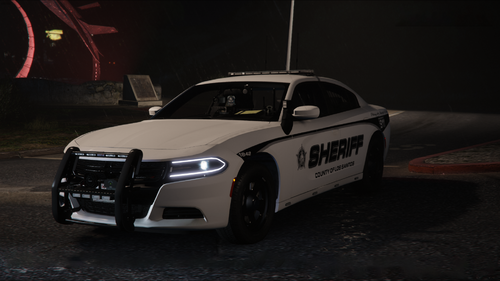
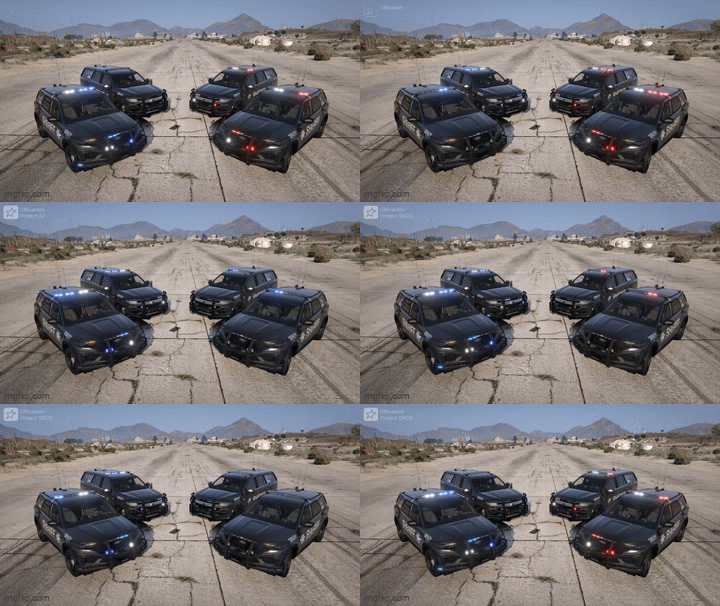 we need chargers and slicktops plz
 -
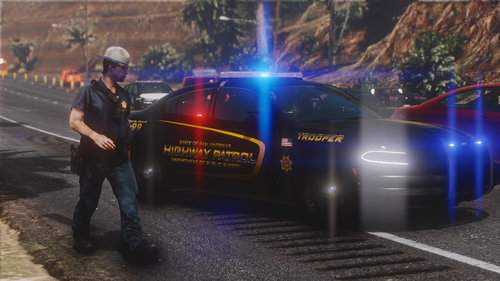 plz turn this into a full pack with 20-25 fpiu tahoe
 -
-
 does this work for controller?
 -
headlight wig wag would go hard
-
🔥🔥🔥 cant wait for the rest of this pack plz to a slicktop
-
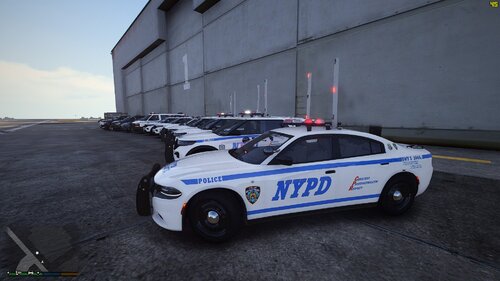 u the best bro
 -
🔥 🔥🔥🔥
-
u killing it love the pack
-
slicktop?
-
u have a block on the dlc.rpf folder i cant extract it
-
u killing it charger need the lights on the front bumper and over the rear wheel and fpiu need the 4 lights over the wheels too but pack still fire tho
-
-
-
-
-
-