ContinuedOakGames
Members
-
Joined
-
Last visited
Everything posted by ContinuedOakGames
-
you can download it, i recently redownloaded it, its just alittle more sketchy as some people will give you a virus instead
-
-
 A way to change what vehicles spawn (both vans and helicopters) would be cool, as I have custom vehicles perfect for it, but I can't use them because I can't change the default models. Also sometimes the helicopter spawns in as a military helicopter, which is funny but lore-breaking
- 42 comments
- 8 reviews
-
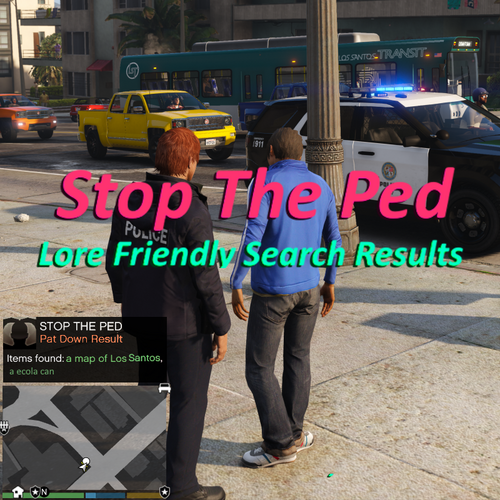 Lore Friendly Search Results is an add-on for Stop the Ped that when you search a ped or vehicle you will be given more results with more lore-friendly related items so as not to break immersion. [DISCLAMIER] Stop the Ped is an LSPDFR plugin by bejoijo that improves the way you interact with the world, this add-on is designed to enhance this plugin, it does not contain the plugin in any way and simply contains an XML file which adds 110 new items in which can be found. [Install] 1) download LSPDFR 2) download Stop The Ped from the bejoijo website. 3) drag and drop the "plugins" folder from this add-on into the main game directory 4) enjoy 🙂 Links Github Files
 -
 Model?