TheSimpleForest
Members
-
Joined
-
Last visited
Everything posted by TheSimpleForest
-
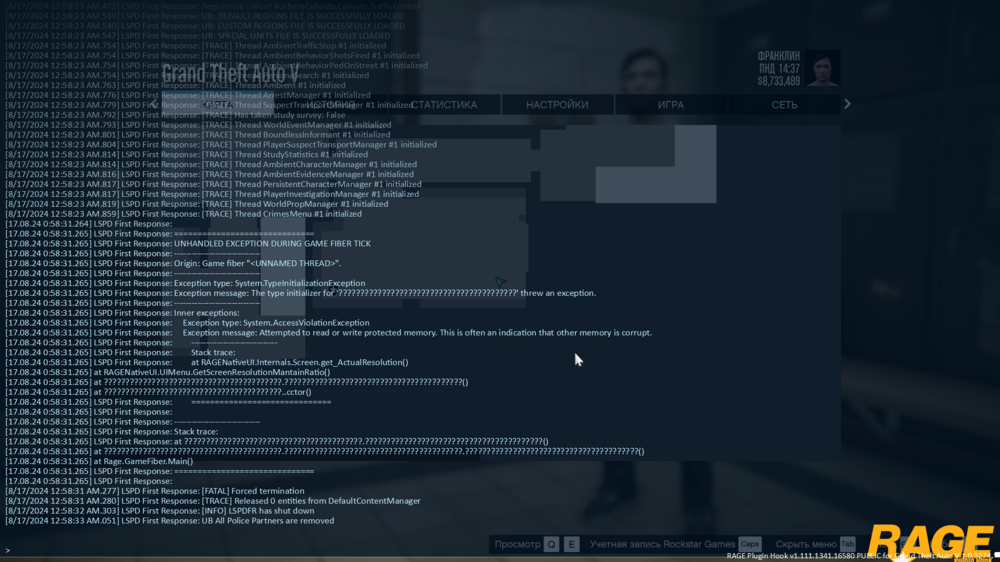
Seems to be happening after the installation of Ultimate Backup (All prerequisites are downloaded), happens when I either instantly spawn on duty or when I try to start the shift in the police station. RagePluginHook_16082024_214751.log
-
Thank you for the fast reply, I'll let my goober head try out your recommendations !
-
Once upon a time I read that you are able to customize the LSPDFR's backup and create your own types of units to arrive. However, I can't seem to find how to exactly do that, if that even possible and I am not fooling myself. For context, I want to create an LSPD SWAT backup with Riot and 4 SWAT models from EUP, if you can guide me how to do it as well, i'll be very gratefull !
-
Alright,thank you
-
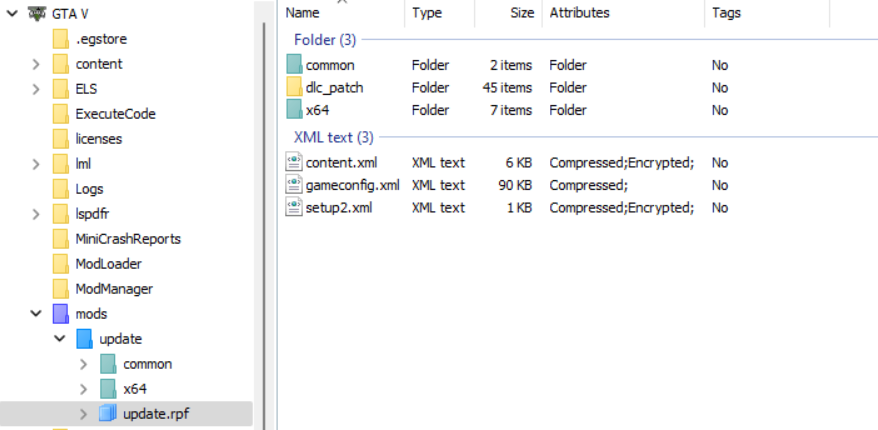
Following the tutorials,I,of course,installed the gameconfig in update.rpf using OpenIV,but the game keeps crashing at the same spot over and over again Logs: