
EliteCO31
Members
-
Joined
-
Last visited
Everything posted by EliteCO31
-
-
 Best BCSO pack on here. Used it during a live and was very happy with how they looked and felt. Gave proper credits! Will definitely be looking forward to your future projects!
- 168 comments
- 19 reviews
-
-

- 1
-
-
-
I absolutely love this pack and will probably be using it on my YouTube LSPDFR series and twitch (If that's okay). Just one thing I noticed, on the 2021 Durango it appears that the antennas change colors as your moving and when you move the camera around it. has anyone else experienced this?
- 168 comments
- 19 reviews
-
-
- 1
-
-
 Does the Patrol Assignments plugin feature any places outside the city or is it only in LS?
- 184 comments
- 4 reviews
-
Thank you. I put the default wardrobe back in and added my own one by one and it worked.
-
Alright so I’m getting somewhere. I removed my wardrobe.ini and it loaded in but now some clothes are missing that was there previously.
-
I may be missing some files, I've got EUP Menu.dll, EUP Menu.PDB and the regular EUP folder
-
Where exactly could I find those files? Sorry its been a minute since I've messed around with EUP
-
Will do, as soon as I get off work and get to mess with it again I’ll share the results
-
I made the unfortunate mistake of downloading VisualV and uninstalled it, which led to a complete mess. I fixed all of it for the most part but EUP menu now no longer works despite my best attempts. This is what shows in the log and I have not a clue as to what its referring to,
-
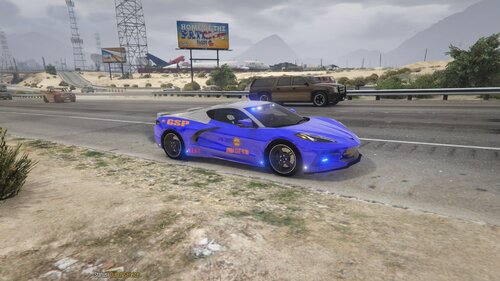 Thank you lol, I got bored and figured id upload it
 -
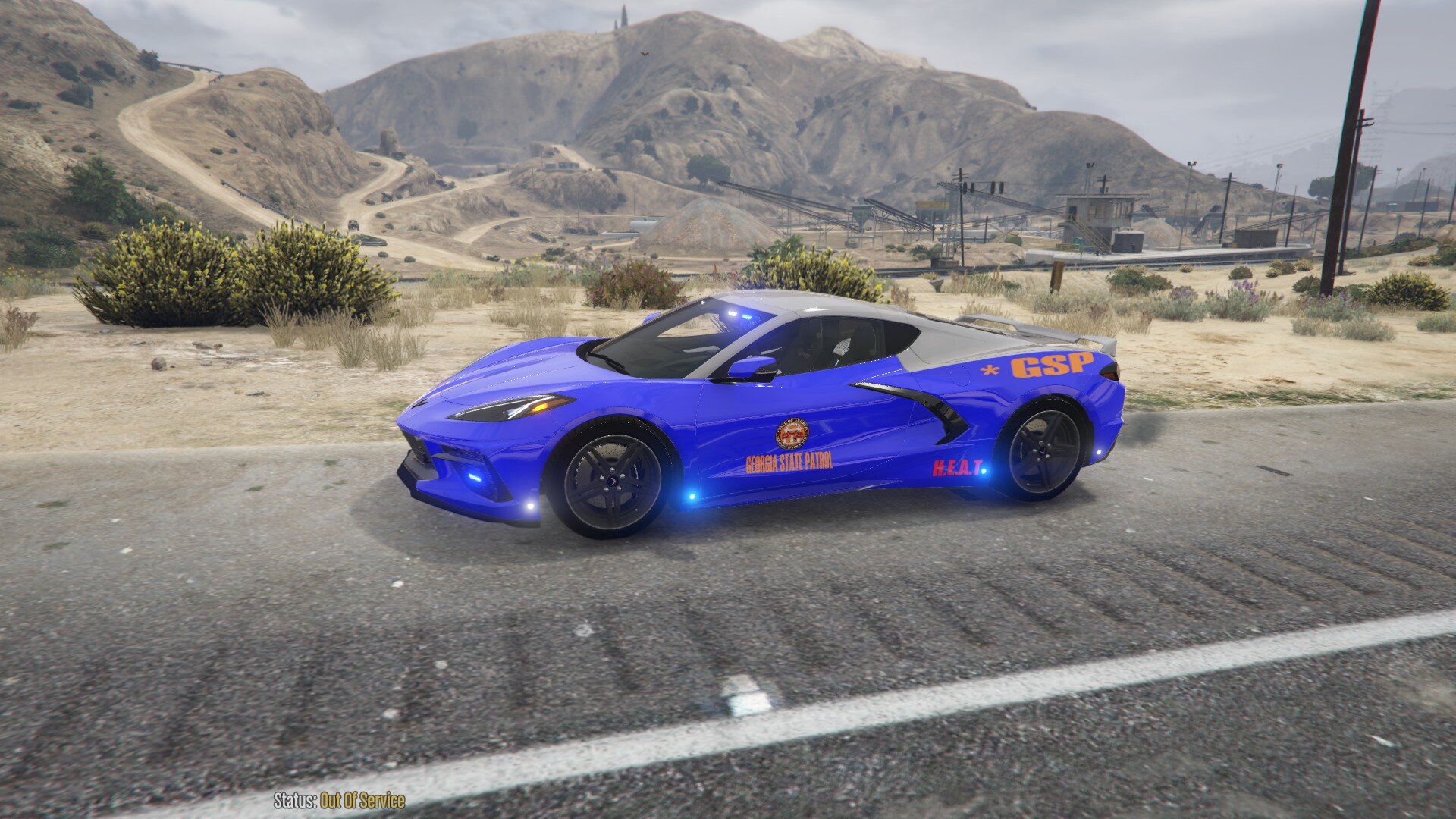
This is a GSP Skin for : This is in no way like super accurate or anything, its just something I made for fun. Enjoy!
-
Luckily i did, The screen flashing was caused by a bodycam and dashcam overlay mod. it did not work well with els at all, i removed it and everything went back to normal.
-
 Followed all instructions and upon booting the game i got constant crashes.
- 557 comments
- 28 reviews
-
-

- 1
-
-
I did a complete reinstall yesterday, no graphics mods or anything like that installed and cant seem to fix it. does anyone have any idea what could cause it? its the same problem as the video below:
-
I recently downloaded the Natural Vision remaster and decided I didn’t like it and uninstalled it using the OIV file provided and since then the headlights and tail lights are super dim and I’m not sure how to fix it to the way they were before. They still function as normal but you can barely tell they are supposed to be on.everything else seems to be fine but ELS isnt working at all. all my police car lights are solid and do not flash. it also doesn't open the normal els menu when you hit ctrl+pthank you so much!!!!! it fixed iti updated it and its still shutting down lspdfr once it loads the game RagePluginHook.logill reinstall it and load it back up to see if everything works better and post the new logs i went into the game and lspdfr crashed upon loading in, i restarted all plugins and went into the station to go on duty and it crashed again. RagePluginHook.loghere is the log file RagePluginHook.logi had an unfortune incident happen where a power outage corrupted a lot of things on my desktop and ive had to restart everything from scratch. ive installed the new script hook, updated lspdfr, got a few callout packs, replaced all the cars with the ones i had, ELS, all the works. not all plugins load and lspdfr crashes everytime, doesn't matter if its force duty or police station. im not sure what to do. the copy of gta v was also a clean copy.