Description Spreading smiles, one video at a time 🎥✨ Capturing moments and sharing stories through my lens 📸🎞️ Creating magic through the power of video 🎬✨ Join me on this incredible journey of creativity and inspiration 🌟🚀
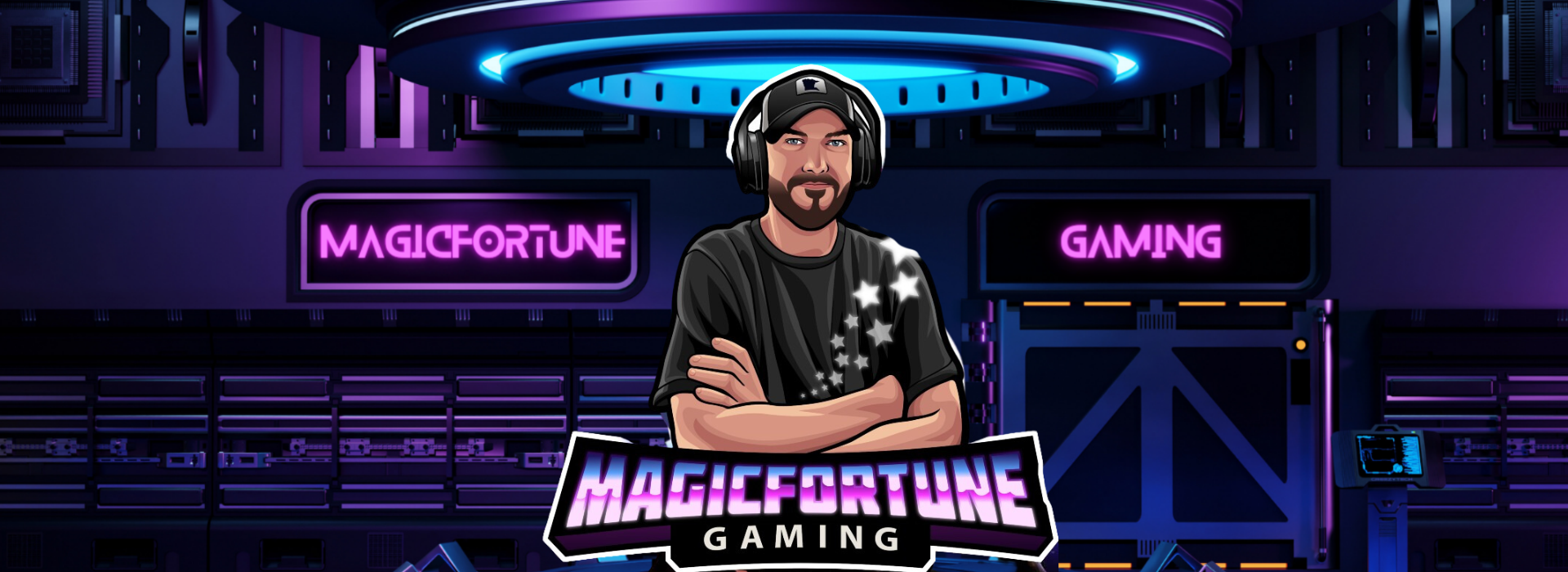
My name is Luke; some people call me "Magic." I am a Dad, Creator, Editor, Marketer, and Delivery Specialist from Minnesota, USA! I like to play games, but I also love video editing and social marketing. Join the community, introduce yourself, and let's have some laughs!
☆ You can support me with a 'Like' and 'Follow.' 👍
----------------------------------------------------
☆ If you would like to check out my profile, donate to the stream, or SQUAD UP, visit 👉 https://MagicFortuneGaming.com
☆ #MEDALTV HIGHLIGHTS🎬 https://medal.tv/u/MagicFortune
☆ #TUBEBUDDY🎞️ https://www.tubebuddy.com/MagicFortune
----------------------------------------------------
☆ SHOUT OUT TO👉 #magicfortunegaming #kickmagicfortunegaming #kickcommunity #facebookgaming #levelup #shorts #reels #funnyvideos #callofduty #deadside #medaltv #videoediting #warzone #fortnite #fortnitestreams #ignitioncasino #stakecasino #lukeeischen #sixdaysinfallujah #warzone2 #warzoneclips #spectatingwarzone #spectatingfortnite #dmz #vondel #proximitychat #warzonestreams #almazrah #ashikaisland #resurgence #farlight84 #policesimulator
----------------------------------------------------
☆ GAMING PC SPECS ☆
#Alienware Aurora R11
GPU: #GeForce RTX 3080
CPU: Intel(R) Core(TM) i9-10900KF CPU @ 3.70GHz
Memory: 32GB RAM
🖥️ Dell 32" Curved 5K Gaming Monitor
🎧 #Astro A50 Headphones
🎮 Astro C40 Controller
🎦 #Logitech StreamCam
☆ STREAMING PC SPECS ☆
GPU: Radeon RX 590
CPU: AMD Ryzen 5 2600X Six-Core Processor 3.6GHz
Memory: 16GB RAM
🖥️ Dell 22" 1080P Monitor
🎤 Blue Snowball iCe
🎛️ #Elgato Stream Deck
🎬 #Mirabox Real 4K USB 3.0 Capture Card