


Krazydawgs
Members
-
Joined
-
Last visited
Everything posted by Krazydawgs
-
Somehow it worked. I uninstalled all of the .xni files and reinstalled the entire ELS and Scripthook system. I then uninstalled and reinstalled all of the .ASI managers in OpenIV. Reran the game and now it works. Thanks for the Help.
-
No it doesn't bring up the "control panel" and I dont believe I have. Unless I did it by accident, but I wouldnt know.
-
Yes I do have all of the .asi manager installed. I have tried uninstalling and reinstalling that I saw in other posts here.
-
Yes they are all in the main game directory folder
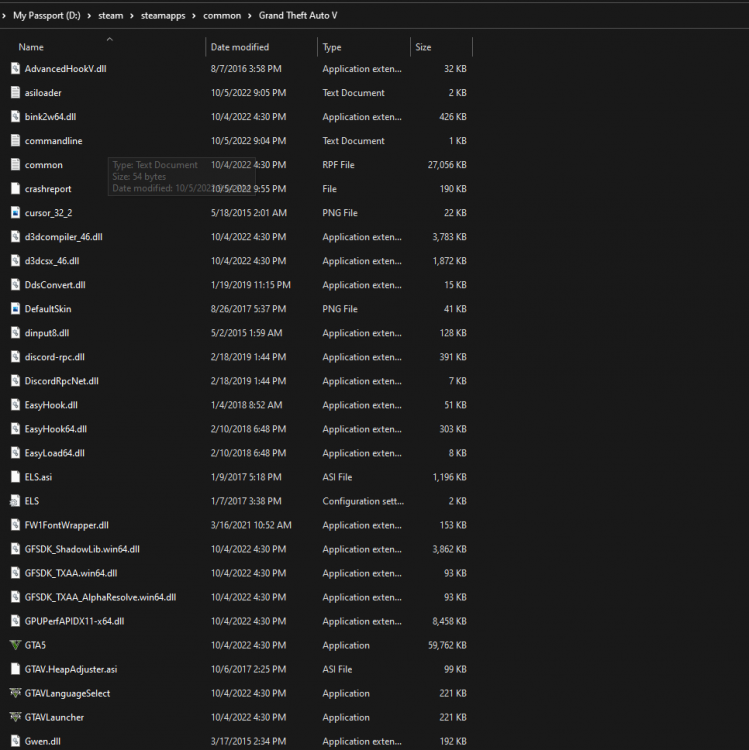
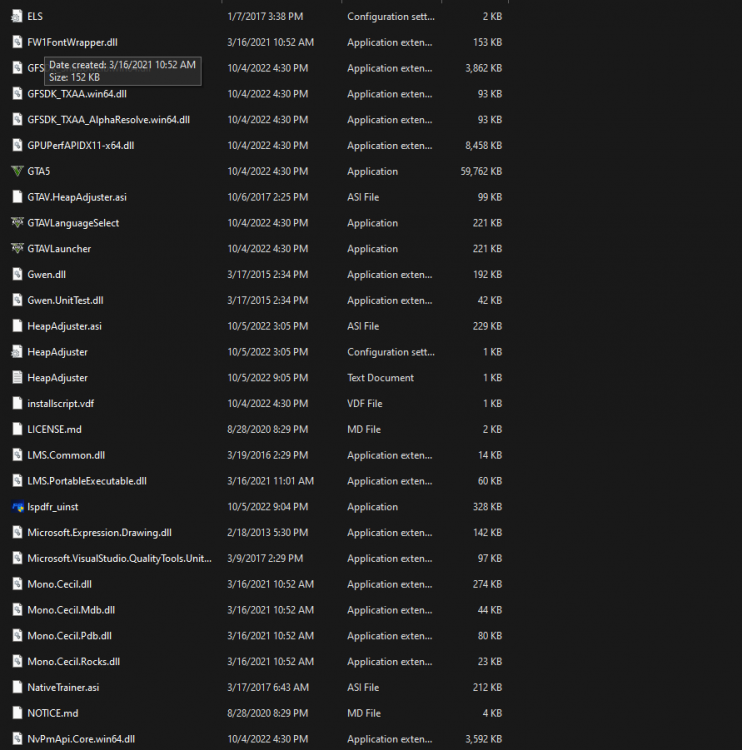
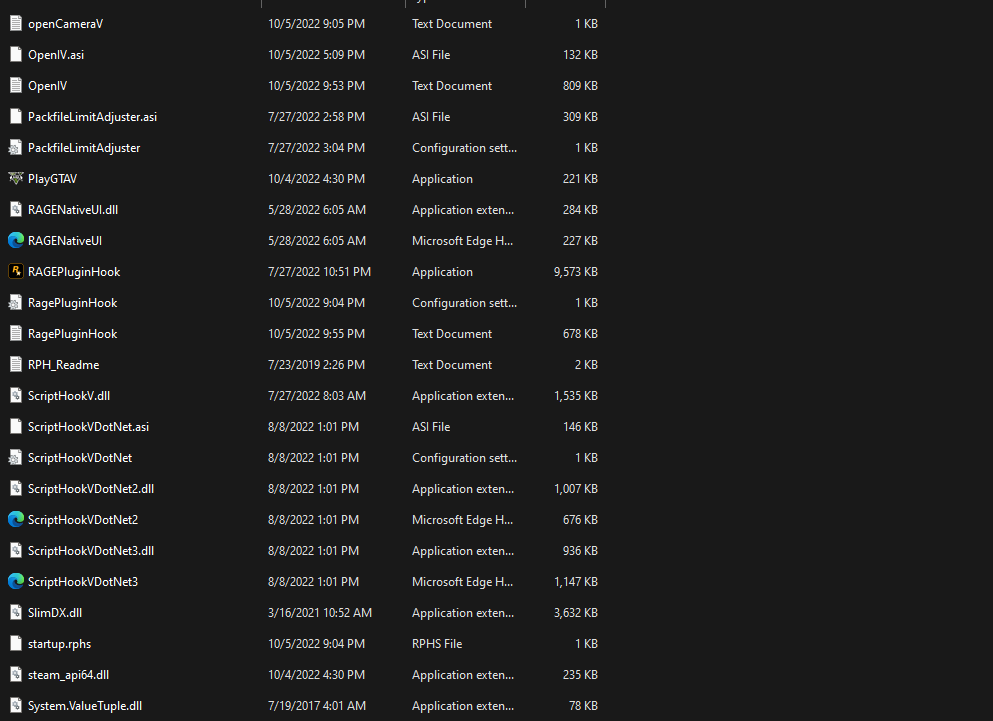
-
Yes I've downloaded and redownloaded scripthook, rage, ELS, and any other file I can think of multiple times
-
When I get into the game the cars and models load, but the lights don't seem to work. None of the key binds work either so I am assuming its a problem with the ELS download. I really don't know because im fairly new to modding and would appreciate any help.


