


.jpg.cb7daca22c263a35e4ac593bd1b0113d.jpg)

Matthew56
Members
-
Joined
-
Last visited
Everything posted by Matthew56
-
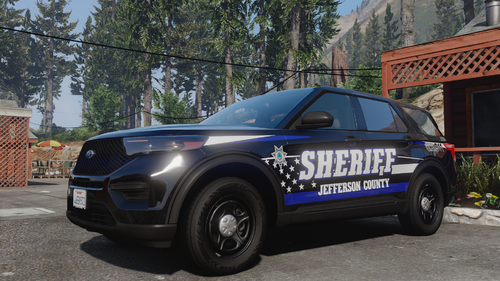 A lore version would be great
 -
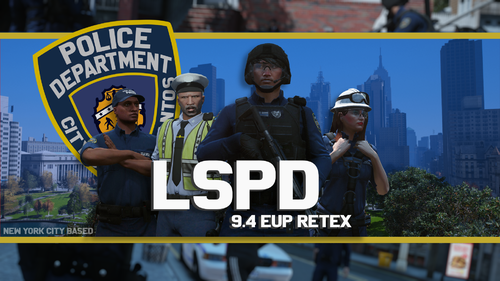 Hey!I corrected the sqaud to squad, if you give me permission I post it here.
 -
 @CaverytheOG As you can read it's non els @ VirtualmorphousHi!Do you have a discord server or can you give me your discord name because I want to contact you!

