


.jpg.e1dac546d4e9d77da4c0befb980dac62.jpg)

LimeGuy36
Members
-
Joined
-
Last visited
Everything posted by LimeGuy36
-
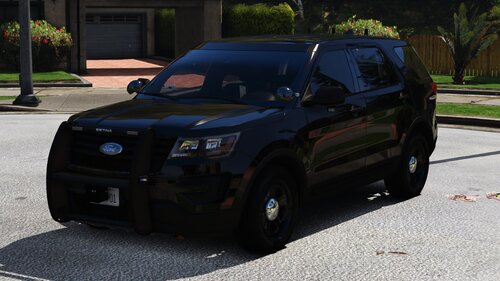 There is virtually no content online. I learned via heavy trial and error from the early DLSV1 days. I recommend doing what I did, which was experiment with existing files on new cars (using something like Notepad++), check the DLS discord, and check out the new DLSV2 website https://themaybeast.gitbook.io/dlsv2
 -
Hello everyone, Lime here with another DLSV2 config, this time for the Senora Unmarked Exploder. Download below: Enjoy : )
-
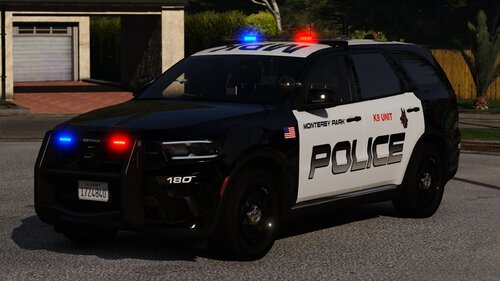 Hello everyone, Lime here with another DLSV2 config, this time for the MPK PD cars. Download below: Enjoy : )
 -
.thumb.png.f46b172fb6a8fcd7ac518bc3ebbc96e9.png) Very nice free release! Appreciate some nice Cali cars on here. Wanted to ask, any change of adding wigwags to the 16 FPIU or a few more rear lighs on the 22 Tahoe (especially since its a way bigger car)? Also I noticed the 22 N-ELS Tahoe has the takedowns permanently on, not sure if that's a model bug or not.
Very nice free release! Appreciate some nice Cali cars on here. Wanted to ask, any change of adding wigwags to the 16 FPIU or a few more rear lighs on the 22 Tahoe (especially since its a way bigger car)? Also I noticed the 22 N-ELS Tahoe has the takedowns permanently on, not sure if that's a model bug or not. -
-
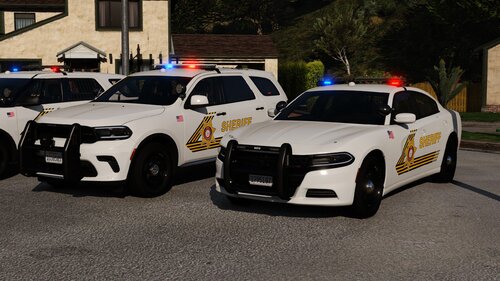 Hello everyone, Lime here with my first ever "public" mod. Those of you that know me from the community know that I am a moderate DLS nerd, so I am here with DLSV2 configs for Varical's latest SBCSD cars. They are very simple and straight forward. Some have stages some do not, just depends on the car and how they're setup. SBCSD Cars: I hope they work well. Enjoy : )
- 7 comments
- 2 reviews
-
-

-

- 5
-
-
.thumb.png.30177a0c051e229db6773959bc72cd65.png) Thanks a million for making the mod 🙏 Future "Modifier Key" support (so that I can Shift+H to holster ready)?
Thanks a million for making the mod 🙏 Future "Modifier Key" support (so that I can Shift+H to holster ready)?- 24 comments
- 4 reviews
-
 Can this work with addon ELS vehicles or is this only for base-game emergency vehicle slots?
- 29 comments
- 2 reviews
-
-
- 1
-
-
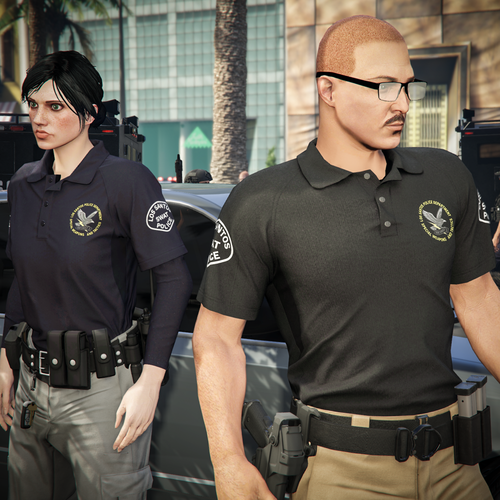 Absolutely sensational, Hanako is back! You and crunchycat always make amazing lore kit and clothing!
 -
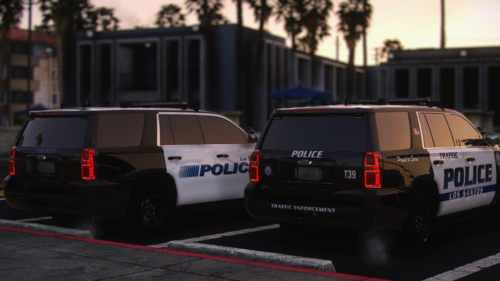 DLSV2 (my version), enjoy ls1xvalor1.xml ls1xvalor2.xml ls1xvalor3.xml ls1xvalor3alt.xml ls1xvalor4.xml ls1xvalor5.xml ls1xvalor6.xml ls1xvalor7.xml
 -
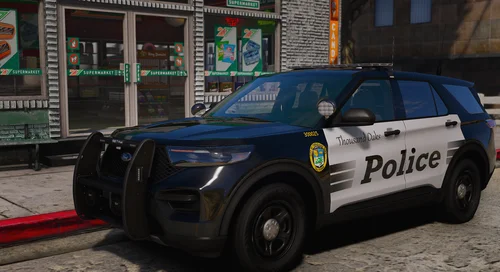 Here againnnnnn with another showcase for those interested Love to see a very relevant new free release! But uhhhh this car suffers from "lazy Peralta 2025 Exploder edit" and the dirtmap on the rear bumper shows text when the car is dirty. I would recommend editing the dirt UV or the texture itself
 -
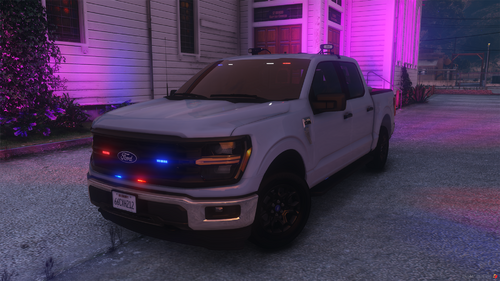 Lighting showcase video for any interested; very nice truck and the park pattern is very appreciated
 -
-
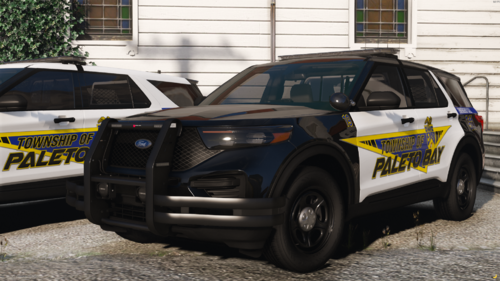 For anyone wondering, here's a vid of the lighting. I know a lot of people don't like to download cars without seeing the lighting first, so hope this helps To the creator: nice work, neat car. I like the combination of parts (Allegiant doesn't get enough love) and the high-skill use of modkits. Thank you for a free release
 -
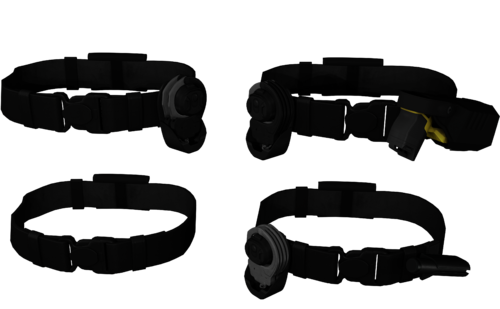 Great to see this pack get revisited/updated. Any option for the green taser? (pack currently came with just different cuff colors)
- 17 comments
- 1 review
-
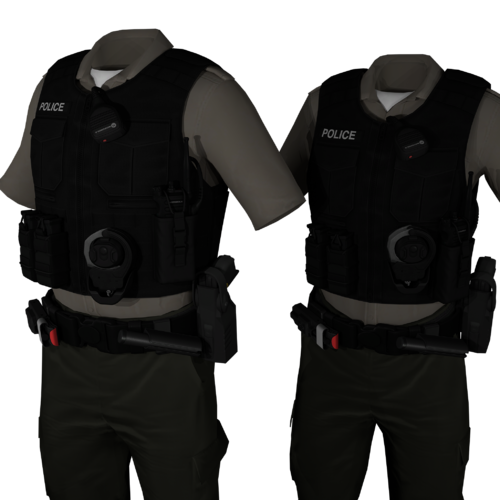 Very nice, it's appreciated to see a free release containing an X7 belt that can be used with so many vests. Thank you
 -
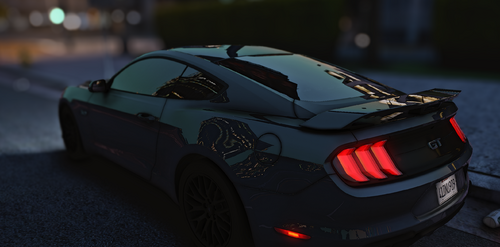 For anyone wondering, here's a vid of the lighting. I know a lot of people don't like to download cars without seeing the lighting first, so hope this helps To the creator: nice work, neat car. Thank you for a free release
 -
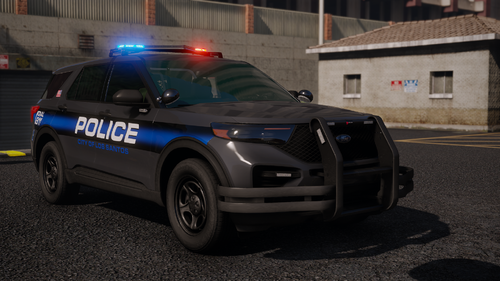 We making it out the hood with this one 🔥
 -
-
-
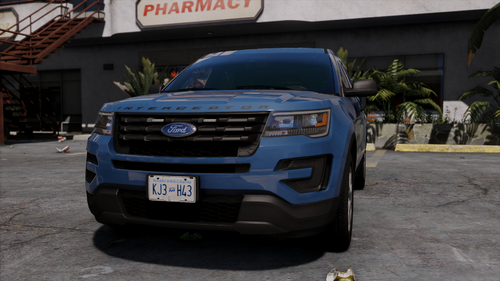 Common APE W. Great little car, love the setup and the ability to mess with the stickers.
 -
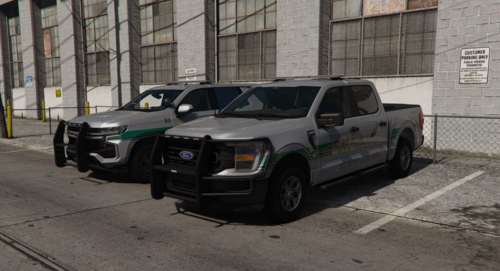 Nah this was for SP. I changed the values twice so I dont *think* it was a carcols ID issue, but if no one else has had the issue then I guess it was just something on my end. Got it working now so not much of a worry now anyways. But great work on the car, I like the way the extras were setup and I appreciate the detail of the correctly setup Tahoe ambers/parking lights. Good work
 -
Not sure if anyone else has tried it or had this issue: but the carcols were all messed up. I had to manually fix the sirens (scale all the sirens to 100, give them the right environmental colors and rotate them where appropriate) to get them to work via LiveLights. Once that was fixed, the car did look good. Just an FYI.
-
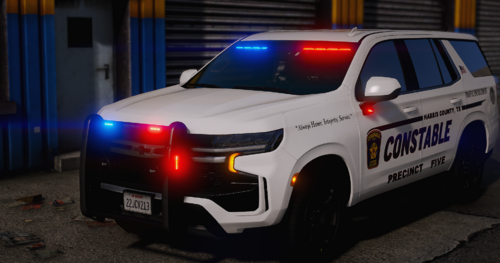 Awesome. Like with the hardtop model, this one is put together nicely and the lighting is neat. TY for another free release
 -
.thumb.webp.c81c10a284872a2e1709c39433e29f41.webp) Nice car, it is nice seeing some Harris County Constable rep here. The car works well after giving it a handling line. Only bug I've noticed is the trunk/brakelights float in the air when you open the rear trunk, guess you forgot to attach them to the trunk. Other than that: great work : )
Nice car, it is nice seeing some Harris County Constable rep here. The car works well after giving it a handling line. Only bug I've noticed is the trunk/brakelights float in the air when you open the rear trunk, guess you forgot to attach them to the trunk. Other than that: great work : )

.thumb.png.f46b172fb6a8fcd7ac518bc3ebbc96e9.png)
.thumb.png.30177a0c051e229db6773959bc72cd65.png)



.thumb.webp.c81c10a284872a2e1709c39433e29f41.webp)