


Finstant
Members
-
Joined
-
Last visited
Everything posted by Finstant
-
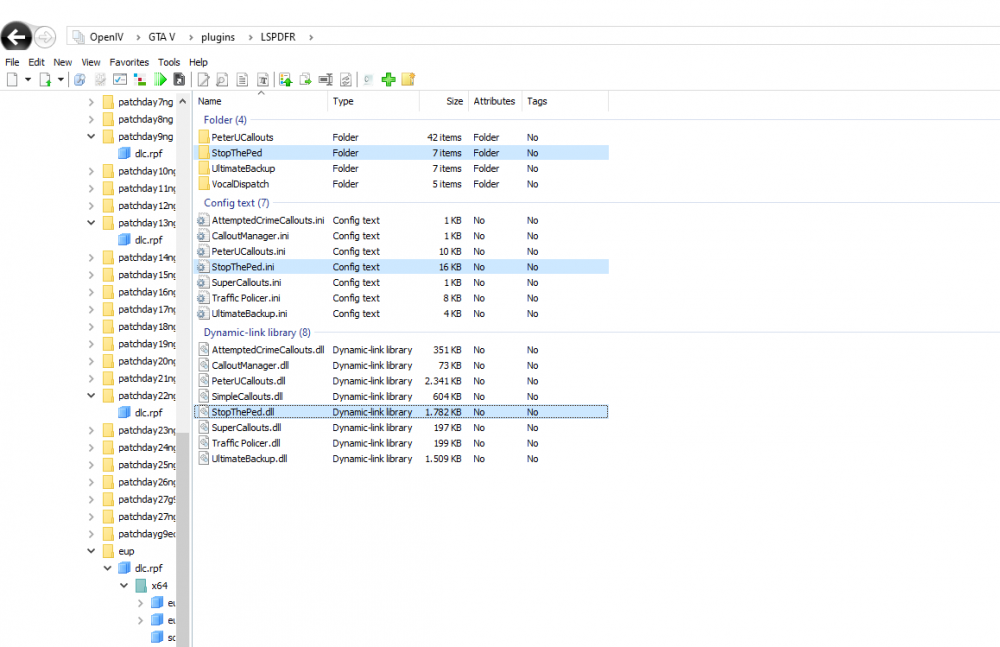
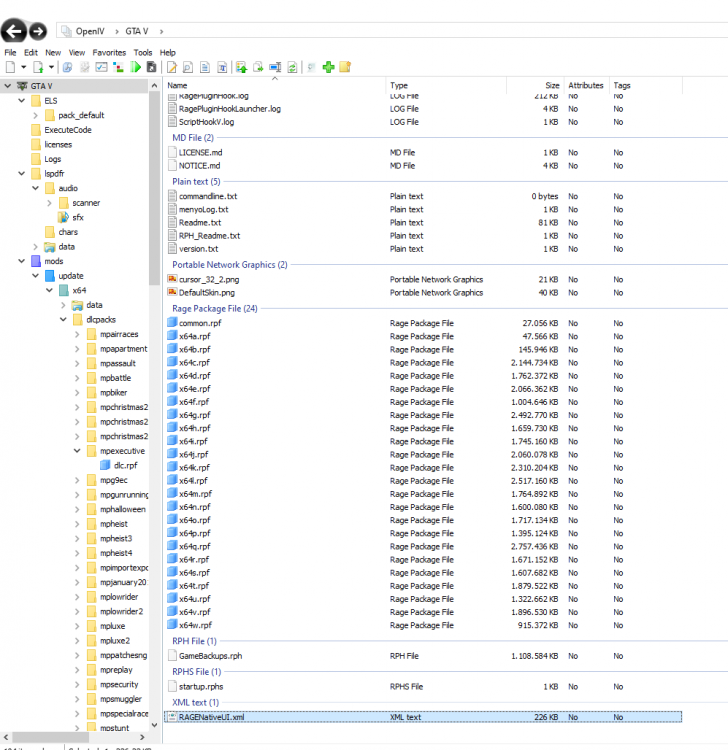
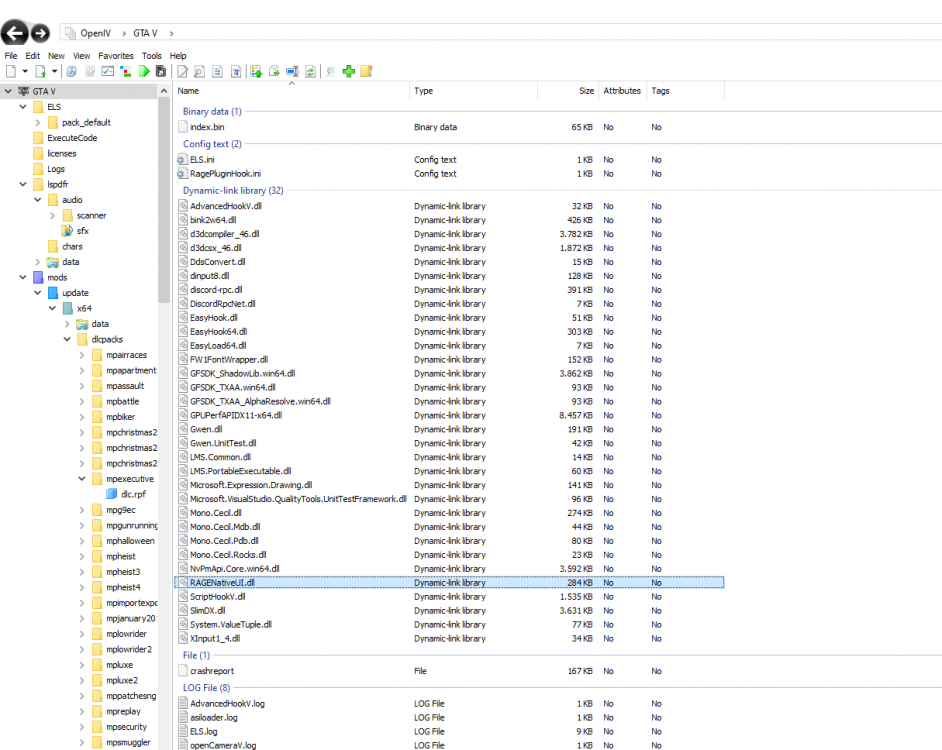
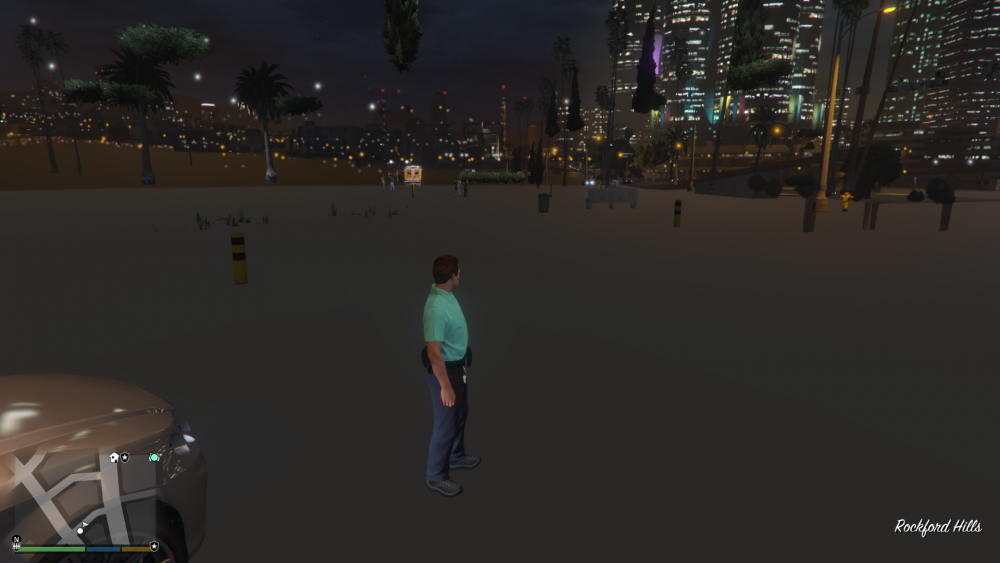
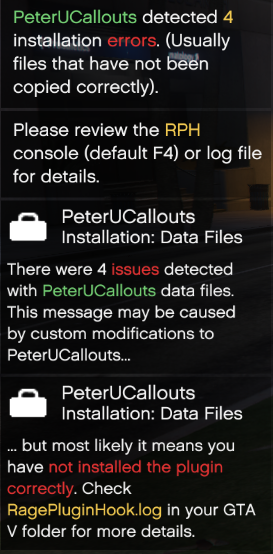
Hello I don't know why Stop The Ped doesn't work for me. I think I installed it correctly: In addition, the world isn't loading: I got these Error Messages, but I think they don't cause the problem: I don't know what's wrong RagePluginHook.log RagePluginHook_23092022_100416.log
-
There is the problem. I installed dinput.dll and theses things but ScriptHookV.dll were missing. Thanks
-
Hello! After reading a lot of articles about ELS doesn't work all the solutions mentioned there didn't work for me. The solution "Go to open IV and select ASI manager, once there uninstall ASI loader and Open ASI. Then reinstall both and restart your computer" doesn't work for me. I installed all ELS files at the right spot. I tested ELS with the vanilla police car. Ingame I tried to press crtl + p. The ELS HUD didn't open. In the car I tried to press J, K and L but nothing happened. LSPDFR is working fine and is installed correctly. I don't know where the problem is. Some files and screenshots are attached. Thank You RagePluginHook.log





