
ashefell
Members
-
Joined
-
-
 Absolutely gorgeous liveries. Thank you so much for including links to base vehicles and proper blue lighting for those needed. Top tier upload!
 -
Absolutely gorgeous liveries. Thank you so much for including links to base vehicles and proper blue lighting for those needed. Top tier upload!
-
-
-
-
-
-
-
-
-
-
-
-
-
-
 .
. -
-
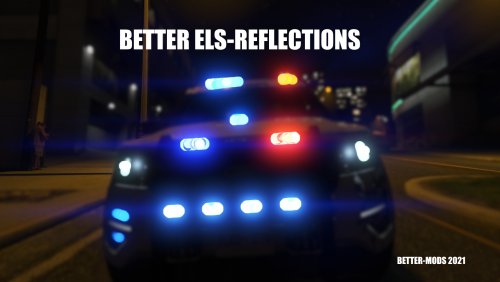
 In the ELS.xml, in line 72, change <OutOfVeh Enabled="true" Pattern="1" /> to <OutOfVeh Enabled="false" Pattern="1" />
- 135 comments
- 20 reviews
-
-
-
ashefell changed their profile photo
-
 🖤 Absolutely wonderful modpack! Just learned yesterday(2025) how to use ADDON cars after playing LSPDFR for a couple years now, so this is an absolute game changer. Being able to use over 50 vehicles and assign them to AI patrol and backup is mind blowing. Thank you for adding so many different configurations, especially the chargers. Even thought to include some all blue packages to match up with present day FHP lighting. Keep up the excellent work! 🖤
- 300 comments
- 22 reviews
-
-

- 1
-
-
-
-
-
-